Changing DoH DNS on Cloudflared
How to use another DNS upstream that supports DoH on Cloudflared.

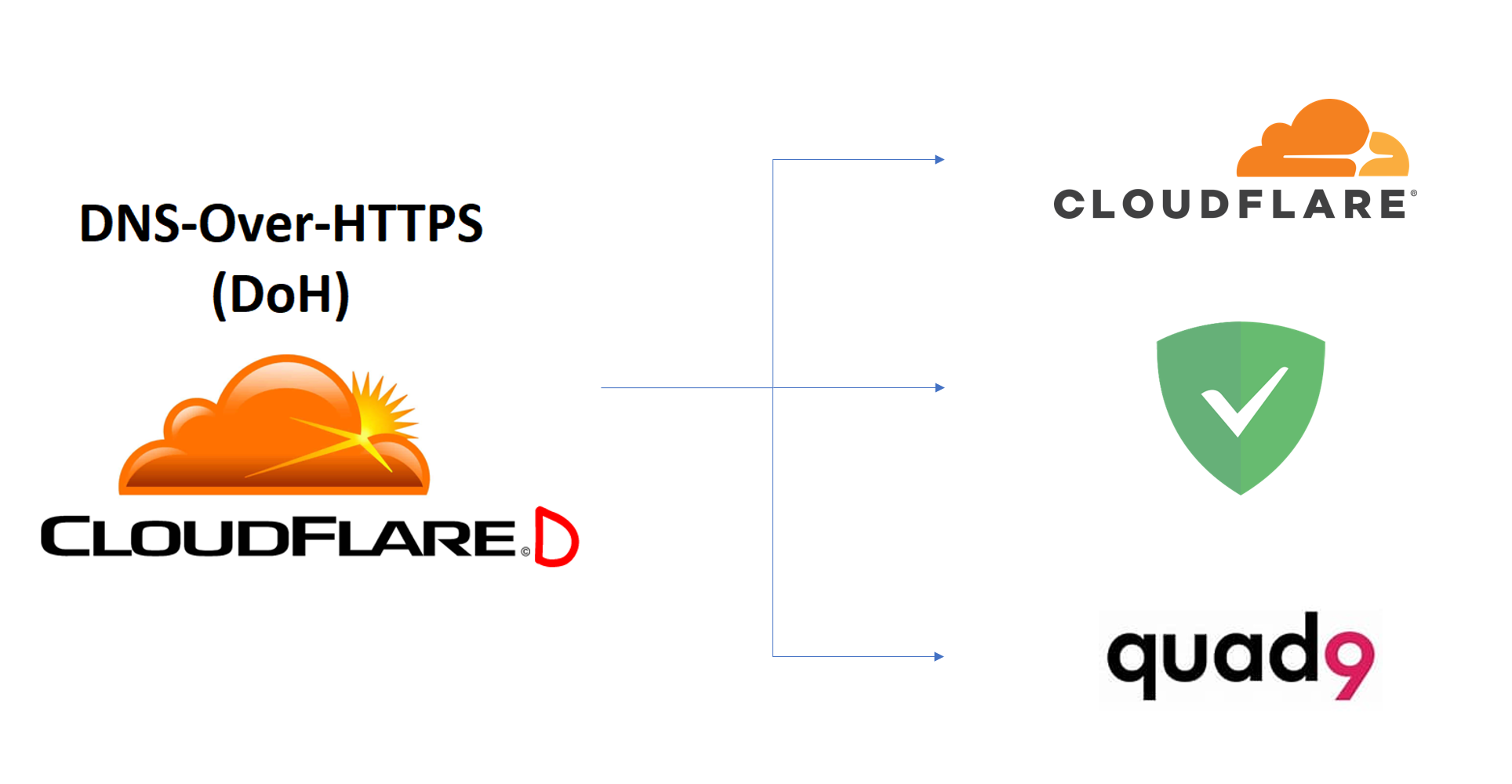
Can I Use Another DNS Query for My Settings?
Yes, you can use any DNS that supports DoH on Cloudflared.
You can use alternate dns-query pointing to supported DoH dns-query using this Cloudflared installation.
Good tip to do before making this change is make sure you get Cloudflared to hit Yeson Using DNS over HTTPS (DoH) using the tester https://1.1.1.1/help before switching flavors.
Edit YML
Start by going to the config of Cloudflared.
sudo nano /etc/cloudflared/config.yml
Changing DNS or Switching Flavors
Comment on flavors that you don't want to use by adding # to the DNS. Uncomment the flavor you want to use by removing #.
I have also listed couple notable DNS if you want to switch flavors.
For this example, we are using AdGuard to use DNS for ad-blocking.
proxy-dns: true
proxy-dns-port: 5053
proxy-dns-upstream:
# IPv4 DoH
  # Cloudflare - Unfiltered Fast DNS
  #- https://1.1.1.1/dns-query
  #- https://1.0.0.1/dns-query
  # Cloudflare - Malware Blocking
  #- https://1.1.1.2/dns-query
  #- https://1.0.0.2/dns-query
  # Quad9 - Malware Blocking, DNSSEC Validation
  #- https://9.9.9.9/dns-query
  #- https://149.112.112.112/dns-query
  # Quad9 - Secured w/ECS: Malware blocking, DNSSEC Validation, ECS enabled
  #- https://9.9.9.11/dns-query
  #- https://149.112.112.11/dns-query
  # AdGuard - Default With Ad-block
  - https://94.140.14.14/dns-query
  - https://94.140.15.15/dns-query

# IPv6 DoH
  # Cloudflare - Unfiltered Fast DNS
  #- https://[2606:4700:4700::1111]/dns-query
  #- https://[2606:4700:4700::1001]/dns-query
  # Cloudflare - Malware Blocking
  #- https://[2606:4700:4700::1112]/dns-query
  #- https://[2606:4700:4700::1002]/dns-query
  # Quad9 - Malware Blocking, DNSSEC Validation
  #- https://[2620:fe::fe]/dns-query
  #- https://[2620:fe::9]/dns-query
  # Quad9 - Secured w/ECS: Malware blocking, DNSSEC Validation, ECS enabled
  #- https://[2620:fe::11]/dns-query
  #- https://[2620:fe::fe:11]/dns-query
  # AdGuard - Default With Ad-block
  #- https://[2a10:50c0::ad1:ff]/dns-query
  #- https://[2a10:50c0::ad2:ff]/dns-query
Restart Services
Restart services to fully connect when switching flavors.
sudo systemctl restart pihole-FTL
sudo pihole restartdns
sudo systemctl restart cloudflared
sudo systemctl status cloudflared
Testing Switching Flavor
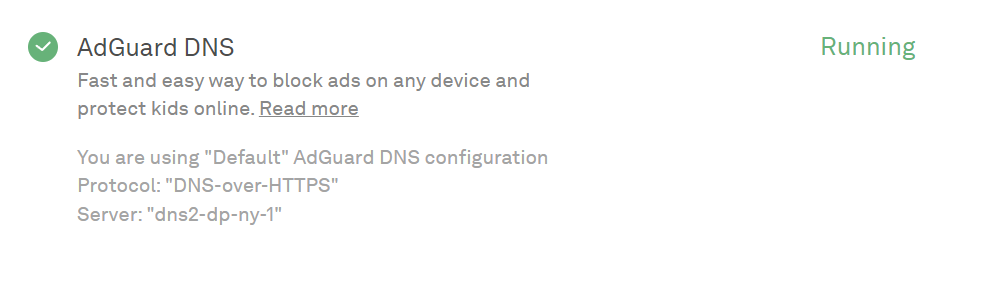
Use https://adguard.com/en/test.html if AdGuard DNS is working. Scroll down to AdGuard DNS and it should have a green check mark. This indicates you are connected to the correct DNS, and now have ad-block over HTTPS.
Installation
Legacy
Here is the --legacy installation without connecting to Cloudflare tunnel. This installation may still work for older devices, generally this is depreciated and no longer working.
 Felix Lincuna