Use Tactrix to Read Your Subaru ECU for Flashing (Read/Write)
Read and Write your ECU for tuning or deleting a Check Engine Light.

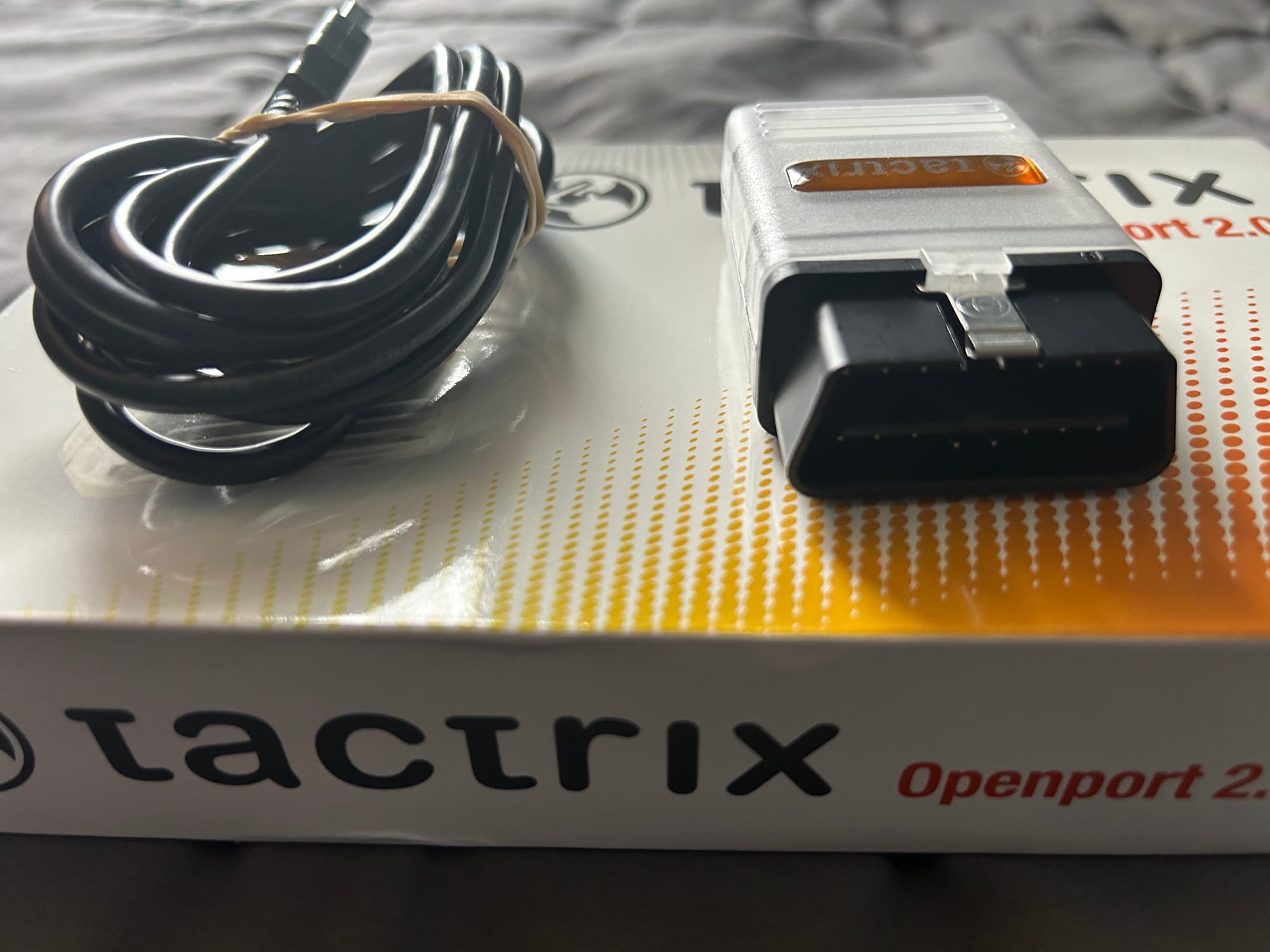
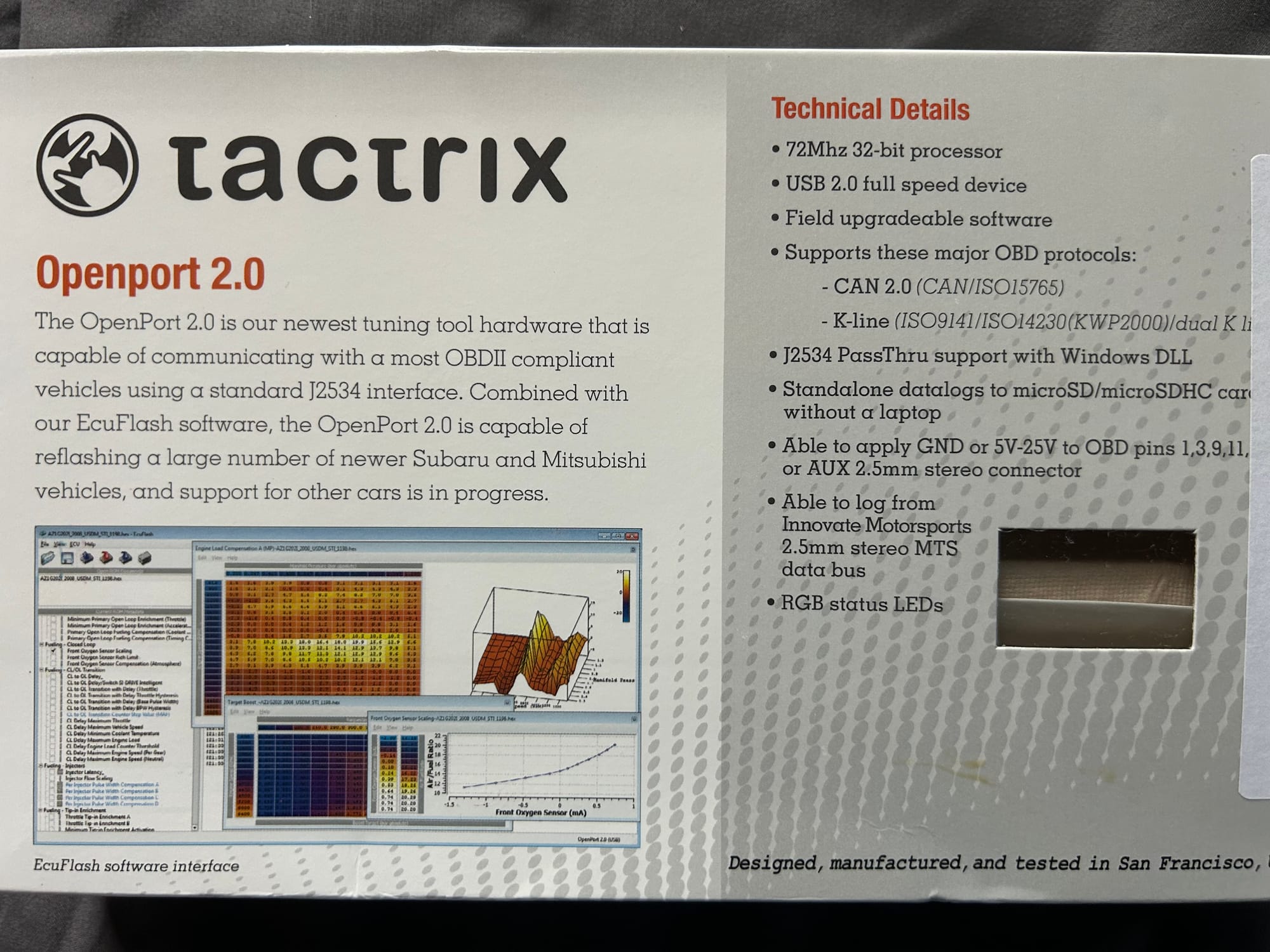
Tactrix is a company that specializes in ECU (Engine Control Unit) flashing and tuning software and hardware. Their Openport 2.0 device is a versatile tool that allows reflashing, logging, and diagnostics for various vehicles. When combined with their EcuFlash software, it supports tuning and reprogramming for many Subaru and Mitsubishi vehicles, with additional car support in progress.
You can also use this in combination with RomRaider to enable or disable DTS codes.
The Openport 2.0 uses a built-in 32-bit ARM processor to allow fast communication with your ECU without burdening your PC - which means reliable faster reflashing and logging for you. Using built-in microSD (must be formatted to FAT32) slot, the Openport can log continuously from your ECU without a PC, day after day, to help work out those hard to replicate bugs in your tune.
Tactrix 2.0 Vehicle Compatibility
|
Vehicle: |
Flash Adapter Required: |
| Evolution 5/6/7/8/9 | Requires Mitsubishi Adapter |
| Evolution X | No Adapter Needed |
| 2G DSM (*with compatible ECU*) | Requires Mitsubishi Adapter |
| 3000GT (*with compatible ECU*) | Requires Mitsubishi Adapter |
| 2002 WRX | Requires Blue Subaru Adapter |
| 2003-2005 WRX | Requires White Subaru Adapter |
| 2006+ WRX | No Adapter Needed |
| 2004+ STi | No Adapter Needed |
| Forester, Baja, Legacy, N/A Impreza | No Adapter Needed |
Preparation before Using Tactrix to Flash
- Install EcuFlash software to Windows 10 or an earlier version.
- Locate
green connectorson the driver's side under the steering column. - If you have adapters, make sure you plug them in as well.
 Felix Lincuna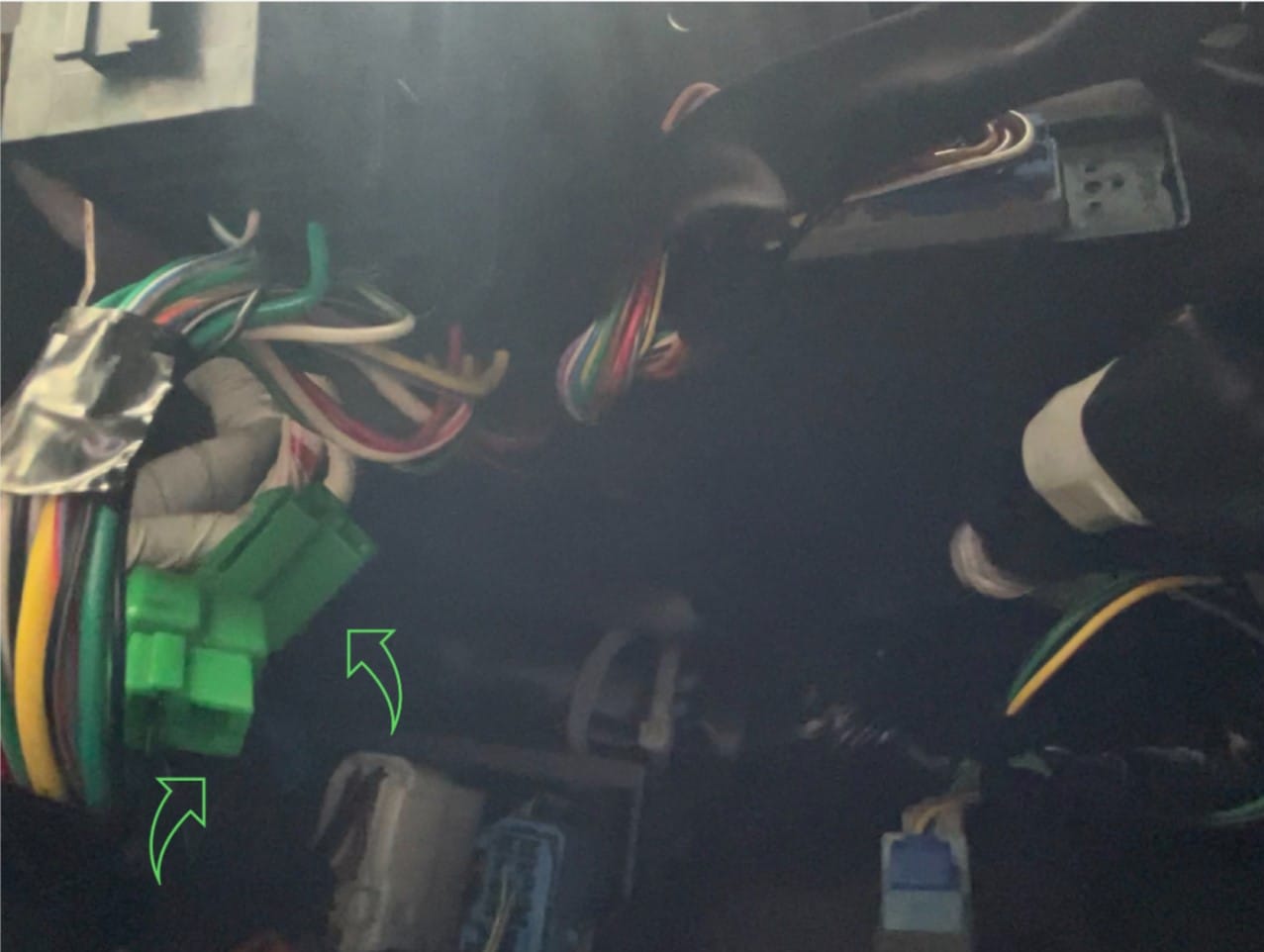
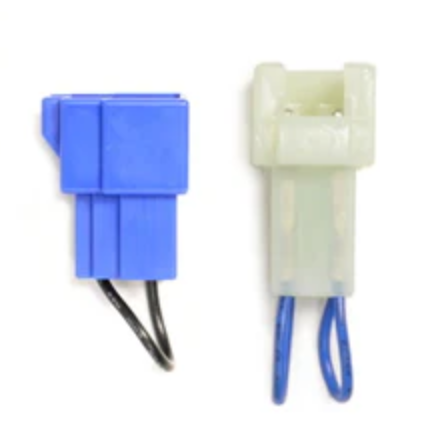
How to read ECU
- Plug in
green connectorson driver's side connect. No need for passenger's side (should already be connected). - Turn engine
offand take thekey out. - Insert Tactrix to the OBDII slot of the car and USB connection to the computer.
- In EcuFlash, click
Select Vehicle Typeand select themodelthat applies to your car. - Turn the car key to
ONmode to go intoTest Mode, which CEL will blink and fan will cycle on-and-off. - In EcuFlash, click
Read from ECU's flash memoryand quickly press OK. - When it is completed 100%, it should prompt you with a
success pop-up, which read a copy of your current ECU. - Turn
offengine and takekey out. - Remove Tactrix from OBDII.
- Disconnect green connectors.
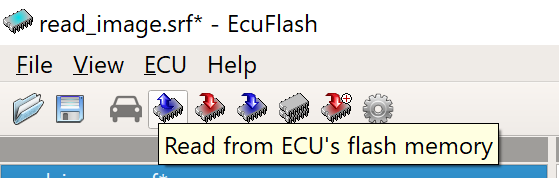
Read from ECU's flash memory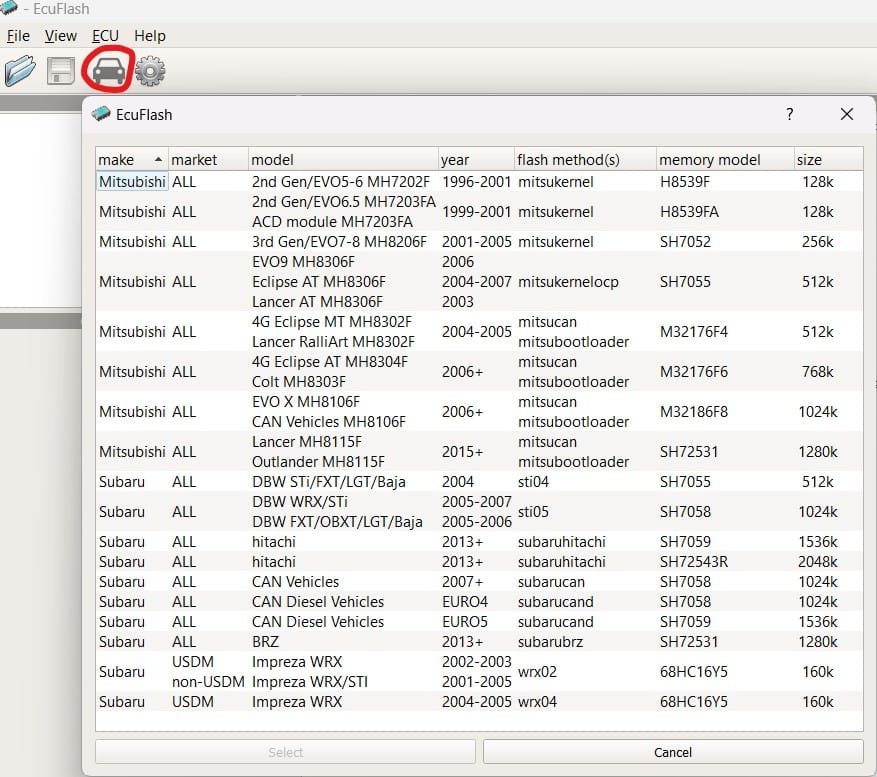
Select Vehicle Type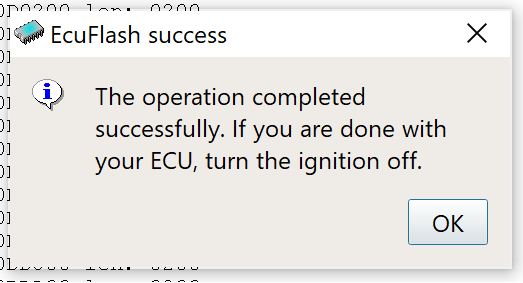
success pop-upSave Your Read ROM
Simply Save As your rom into a .bin format into your computer to save the current read ROM. Make sure you backup your main ECU so you can flash as OEM ECU.
Open Rom to Read/Write Your ECU
If you have a ROM from your turner or you want to re-flash to your OEM ROM, you can re-flash your ECU by overriding your current ECU.
- Go to
File / Open ROM..., to load your desiredrom.BINfile.
Before flashing, best practice to not brick your car is to avoid interruption by having:
A full battery on laptop.
A full car battery.
Not to remove/interrupt Tactrix or USB connections.
TEST Write
A good practice is to TEST Write the rom you want to flash before Live Writing. This ensures the write to you ECU will go smoothly without problems.

LIVE Write
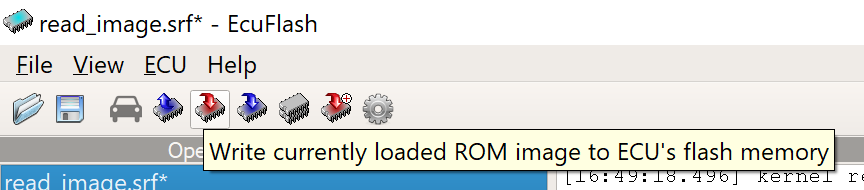
If Test Write is a success, then click Write to Live Write to your current ECU.