OpenMediaVault Rsync from Client to Server
Rsync to back up your server to another hard drive.

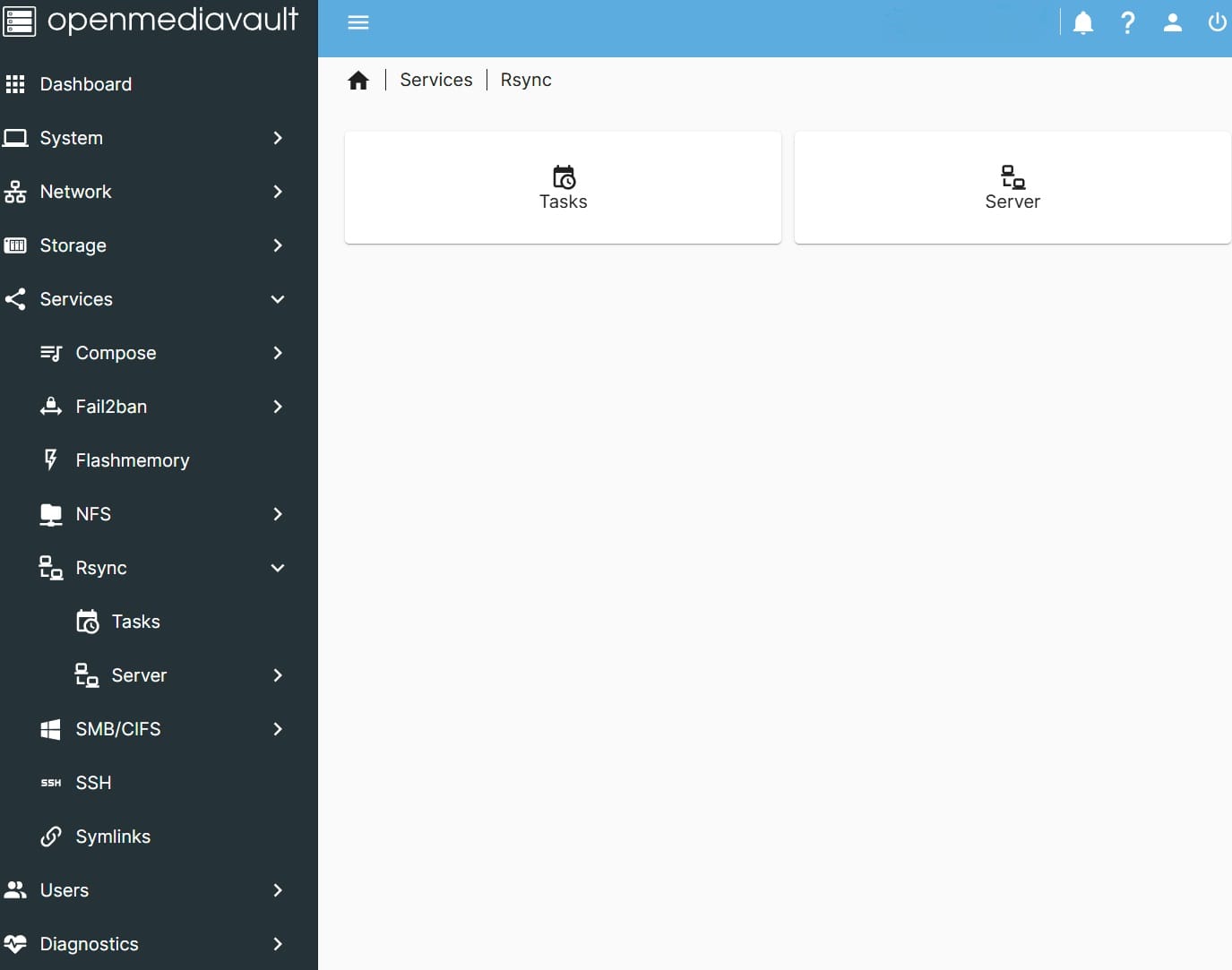
Use OMV's GUI Rsync to back up your server to another hard drive.
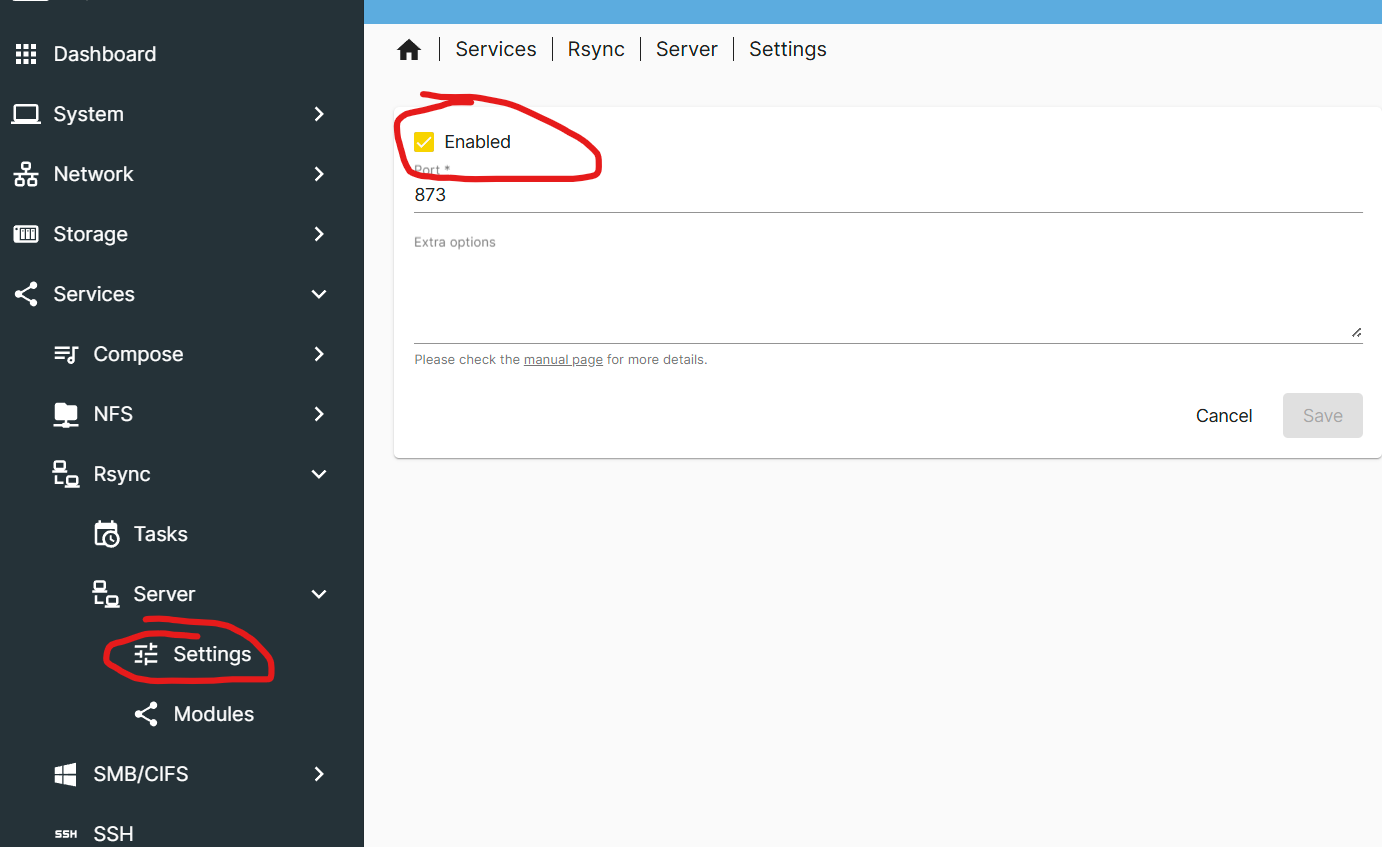
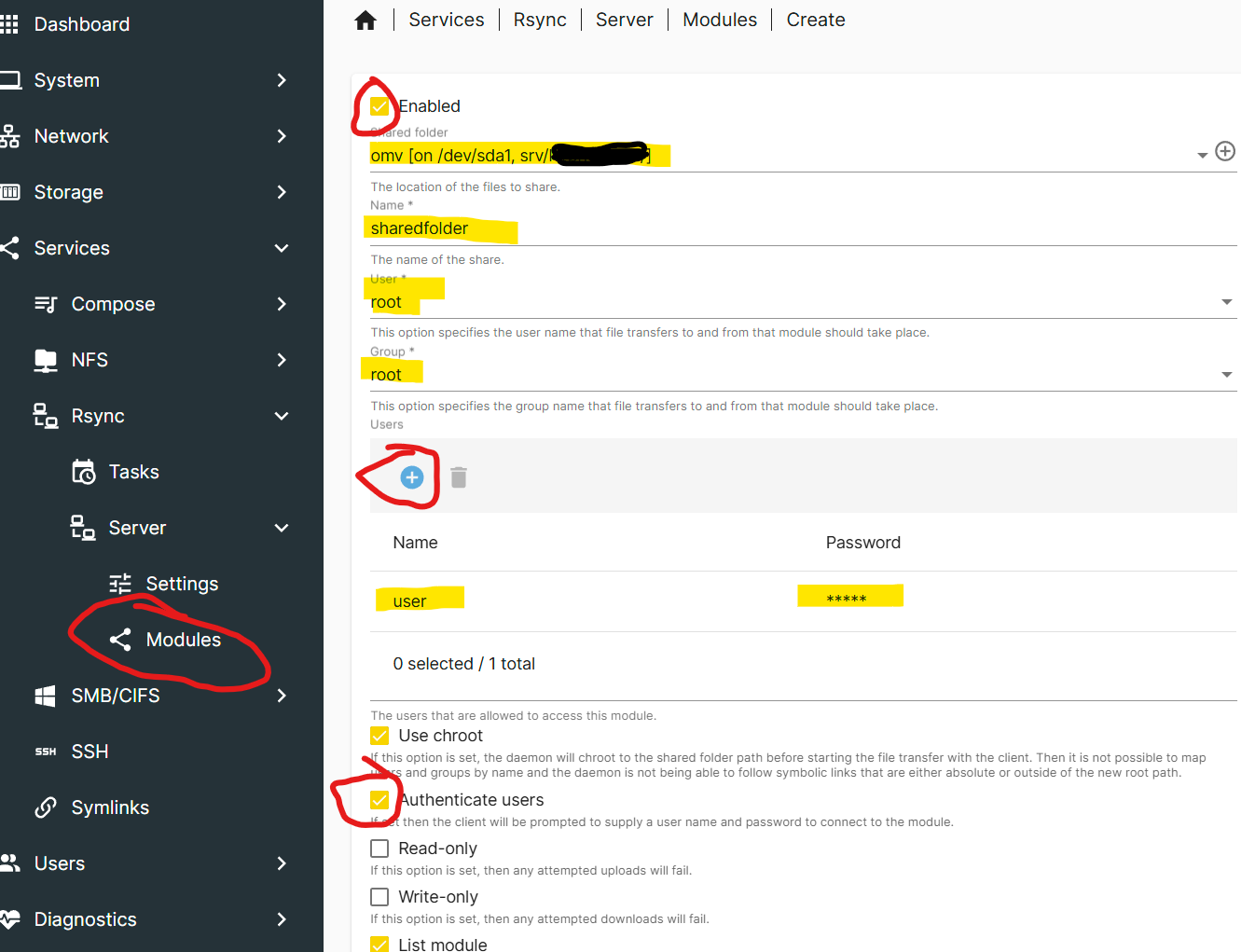
CLIENT: Enable Rsync server
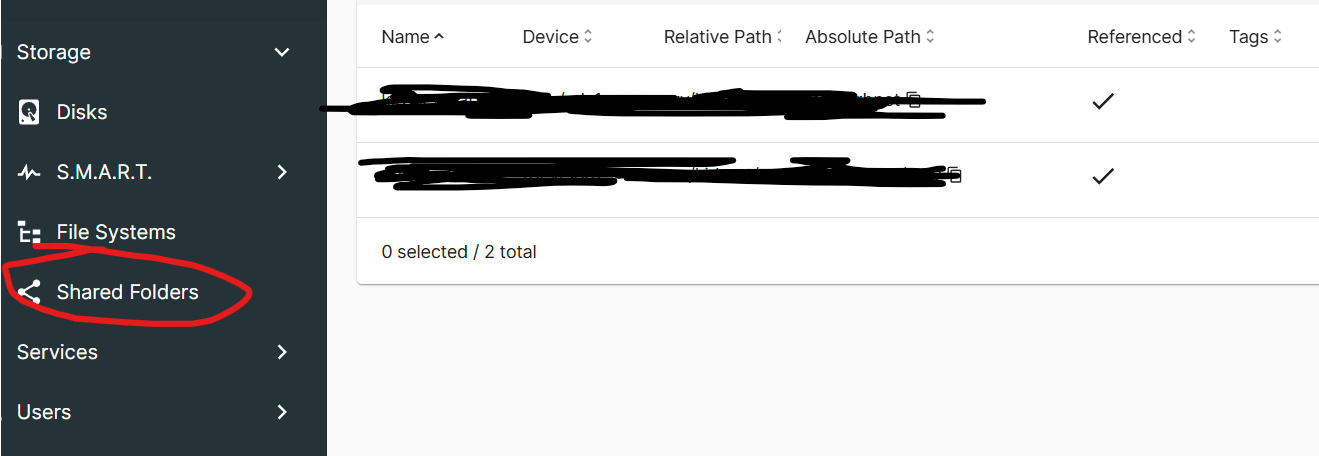
Create a shared folder location for client.
Add a module then in folder location, create user and password and authenticate users.
SERVER BACKUP: Enable Task and Sync
Create a destination folder location for server backup.
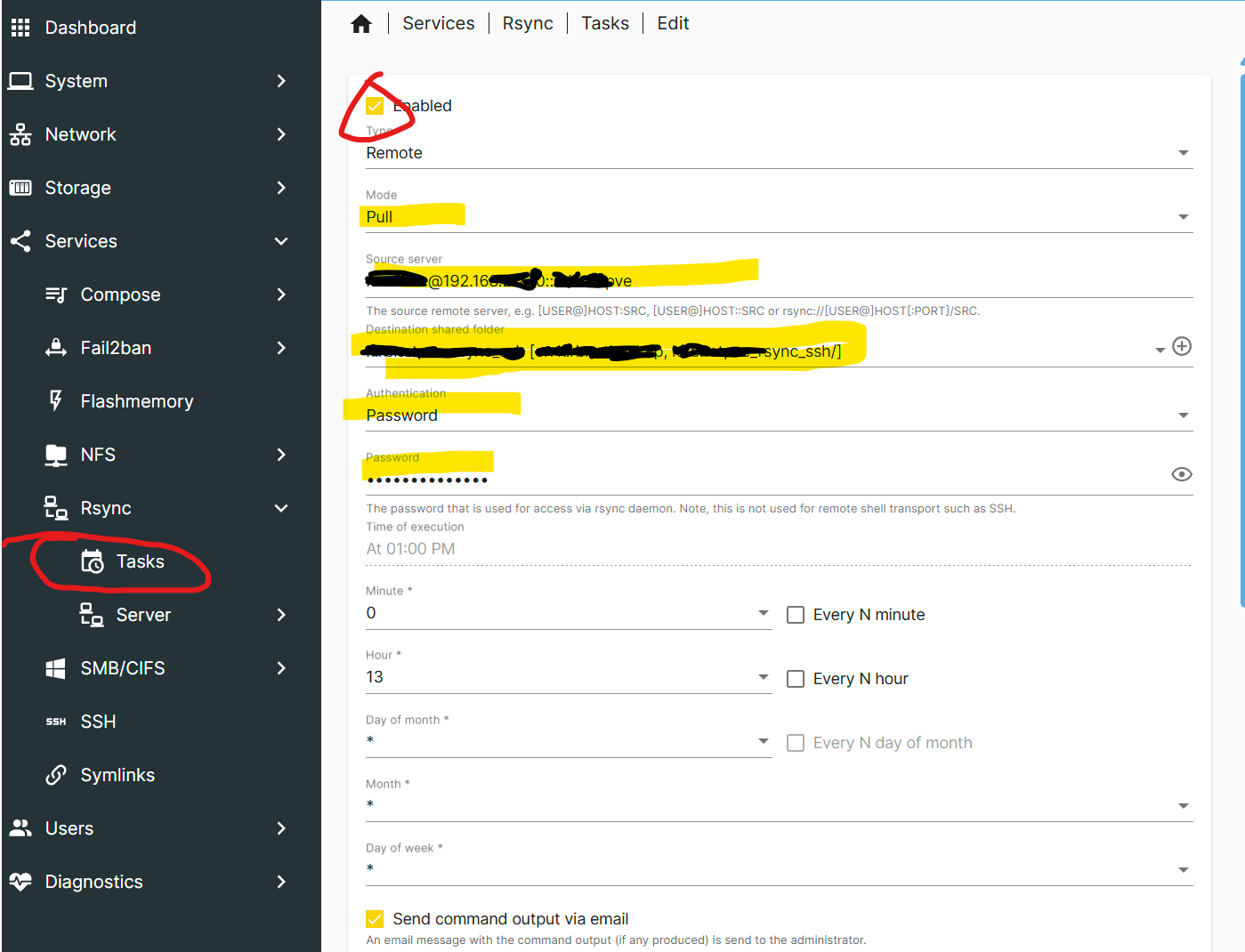
Add a task by remote, pull, source server, destination folder and authentication (user/pass).
Source server example: [email protected]::ModuleName
Username: user that was created on client
10.10.10.12: client IP
ModuleName: the shared folder created on client
Authentication/Password: password that was created on client