Jenkins to Docker Hub with Two-Factor Authentication (2FA)
How to push to Docker Hub from CLI, if you have Two-Factor Authentication (2FA) enabled on your Docker Hub Account.

If you ever wanted to push to your own repo and got denied: requested access to the resource is denied console output. Create a token and use it as a login on your CLI.
This will help you to push to Docker Hub from CLI, if you have Two-Factor Authentication (2FA) enabled on your Docker Hub Account.
Steps to get your token and push to Docker Hub
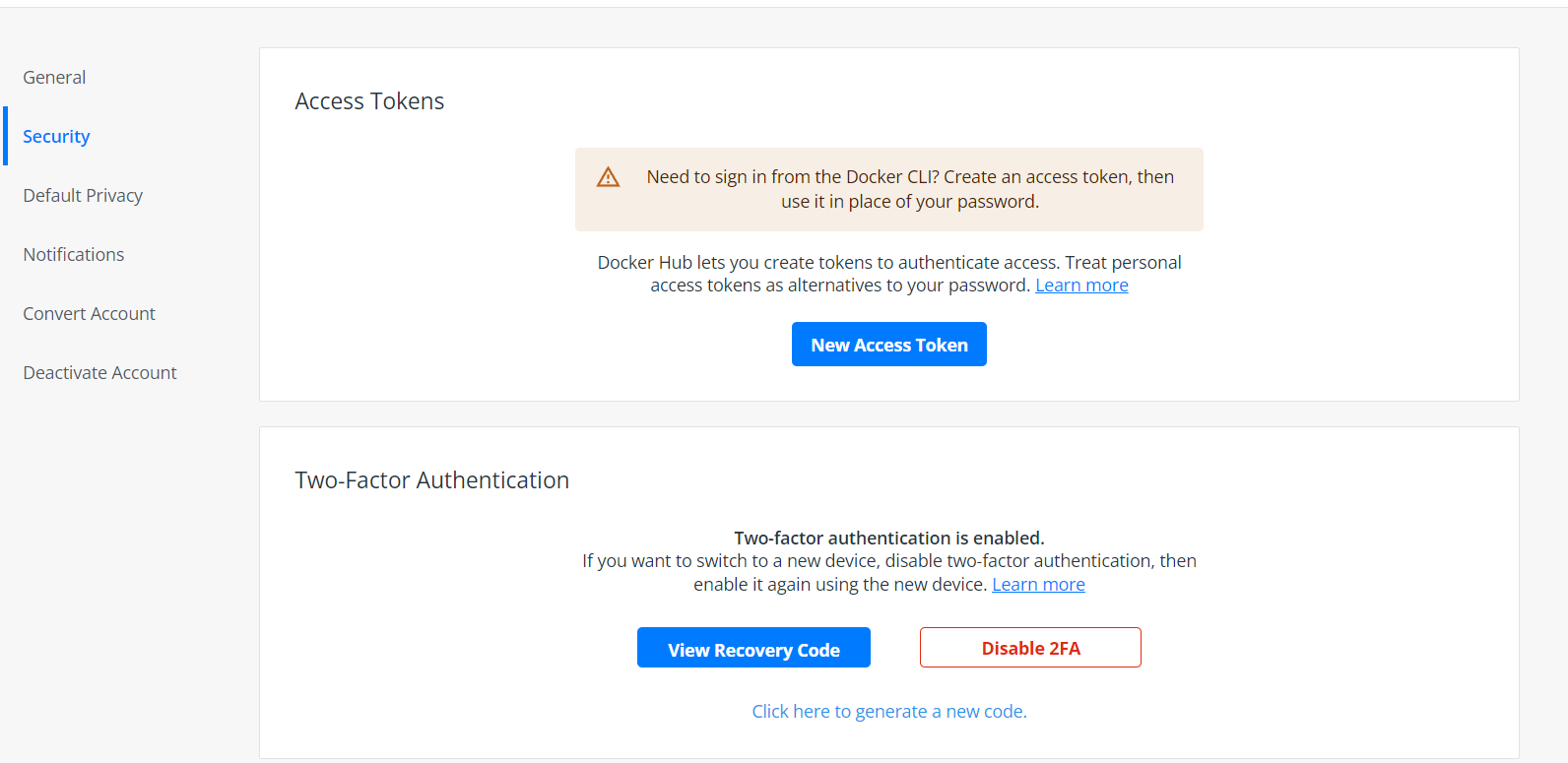
Go to Docker Hub security on settings andc reate a New Access Token .
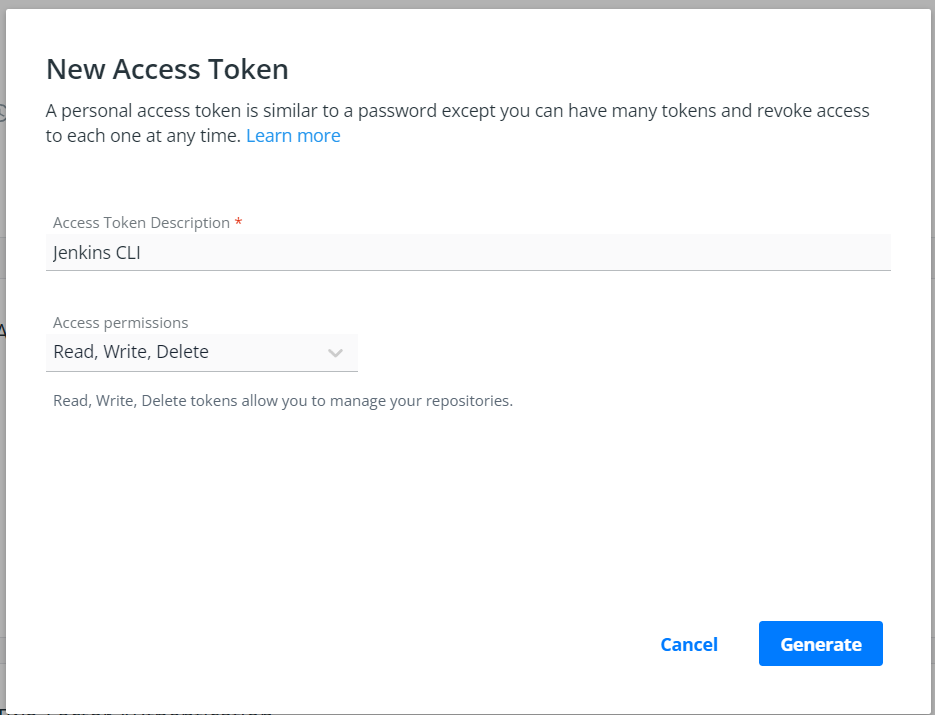
Type the description and Generate.
Go in your CLI and type docker login -u USER -p PASSWORD. Once you login, you can push to your repository on Docker Hub.
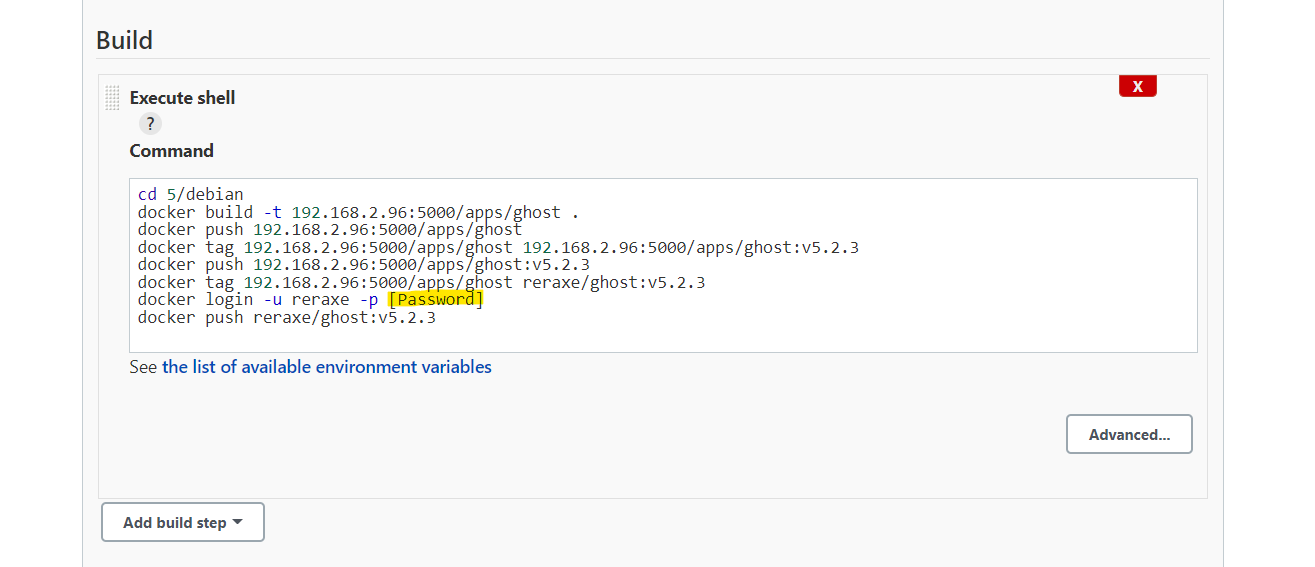
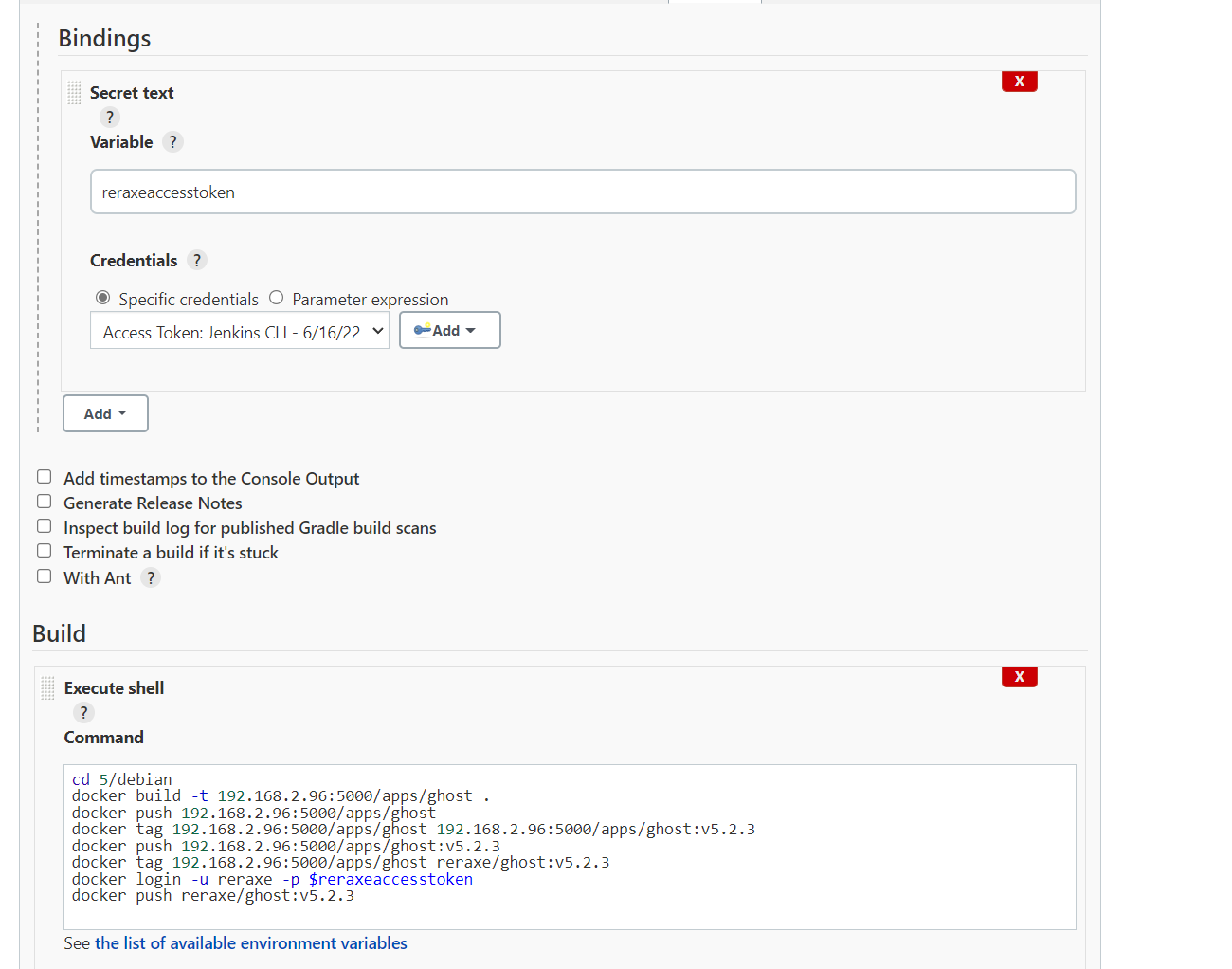
If you are using Jenkins, you can use a variable. Go to Bindings and create a secret text and add a credential. This is optional but recommended, since your password will be exposed on the logs.
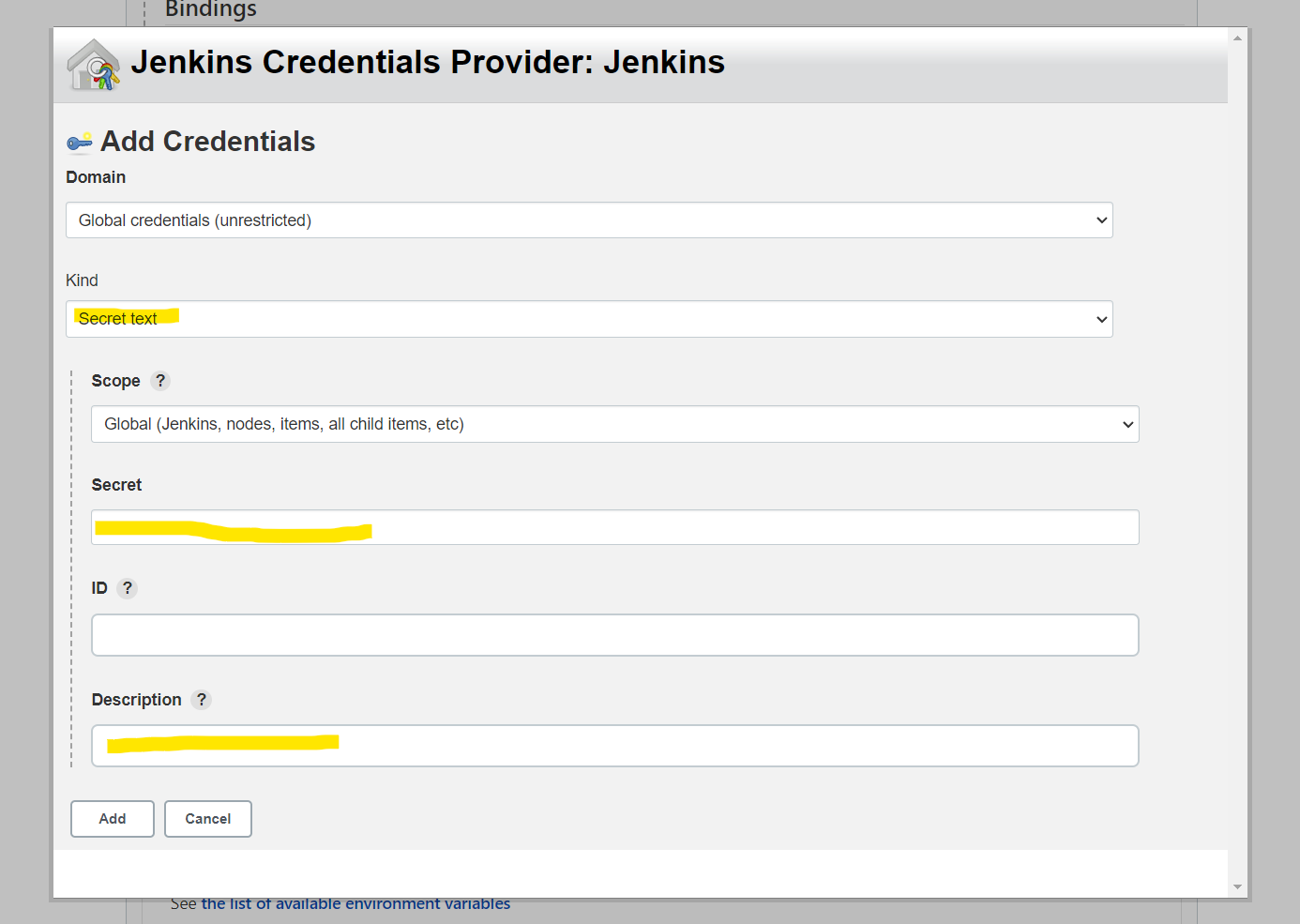
After typing your credentials, you can use it now in your CLI, using $VARIABLE for the -p. If you want to push without variable, simply place your token from Docker Hub.
Example without variable:
docker tag 192.168.2.96:5000/apps/ghost reraxe/ghost:v5.2.3
docker login -u USER -p PASSWORD
docker push reraxe/ghost:v5.2.3
Example with variable:
docker tag 192.168.2.96:5000/apps/ghost reraxe/ghost:v5.2.3
docker login -u USER -p $reraxeaccesstoken
docker push reraxe/ghost:v5.2.3
Jenkins building on execute shell command:
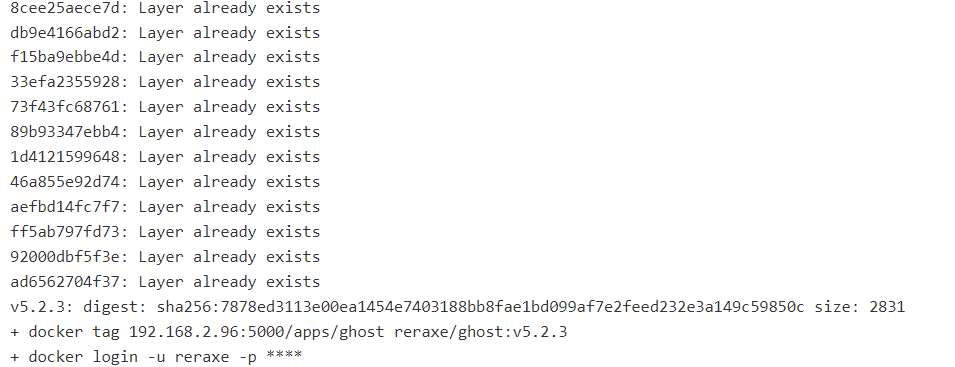
After pushing, it should successfully push to Docker Hub.
Example uses the repo below:
 reraxe