How to Create an Agent Node in Jenkins Host Controller
Solving the "Building on the built-in node can be a security issue. You should set the number of executors on the built-in node to 0" notification error.

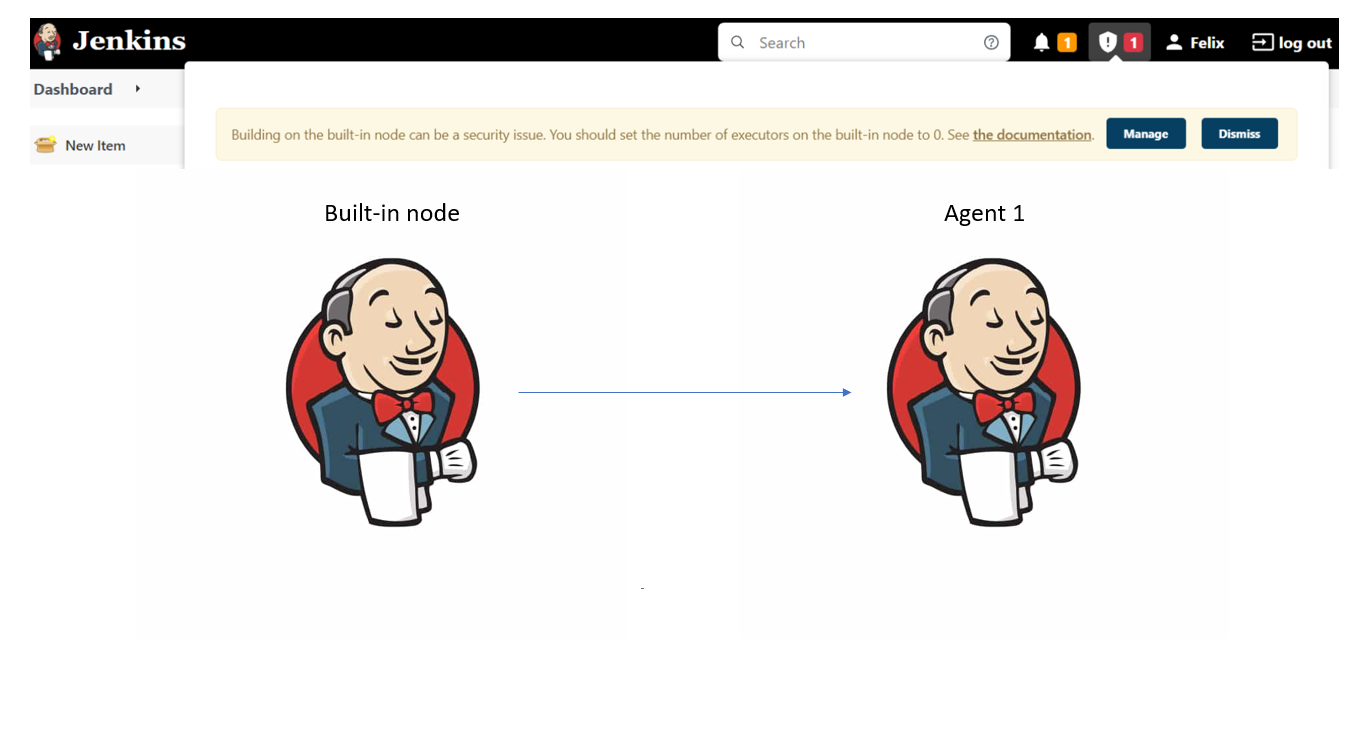
Red Notification
If you see this notification Building on the built-in node can be a security issue. You should set the number of executors on the built-in node to 0., follow these steps correct the issue.
Problem: Notification Issue
With recent Jenkins changes to controller and node structure, built-in node can cause security issues. To ensure the stability of the Jenkins controller, builds should be executed on other nodes than the built-in node.

If you don't have another host machine for the new agent, you can create an agent in the current host controller.
Building on the Built-In Node is Not Recommended
Out of the box, Jenkins is set up to run builds on the built-in node. This is to make it easier to get started with Jenkins but is inadvisable longer term: Any builds running on the built-in node have the same level of access to the controller file system as the Jenkins process.
Solution: Build an Agent & Disable Built-in Node
Need to do these two to take out the notification.
Build an Agent
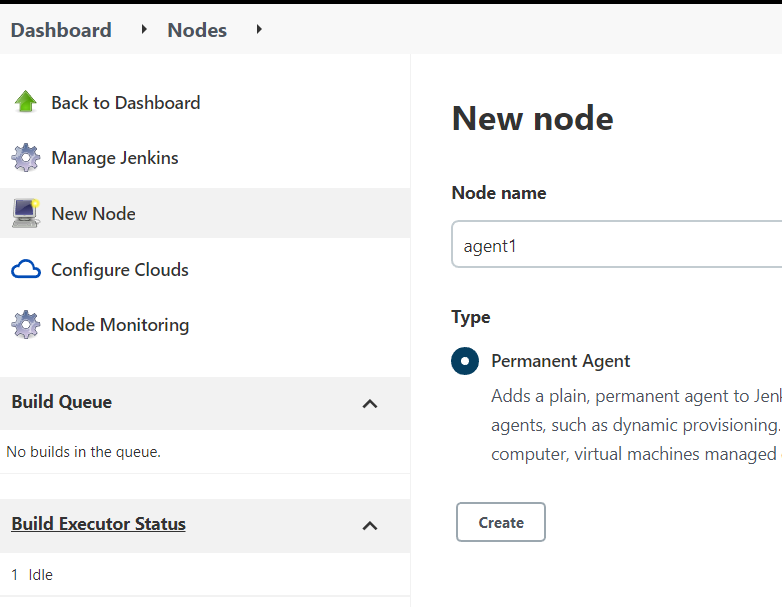
Select New Node.

Name your node and create.
Fill up for form and make sure you are able to SSH into the controller host and enter your root SSH credentials. Make sure to use Non verifying Verification Strategy for verification strategy for now. Hit Save once you have filled it out. You can use the image for guideline.
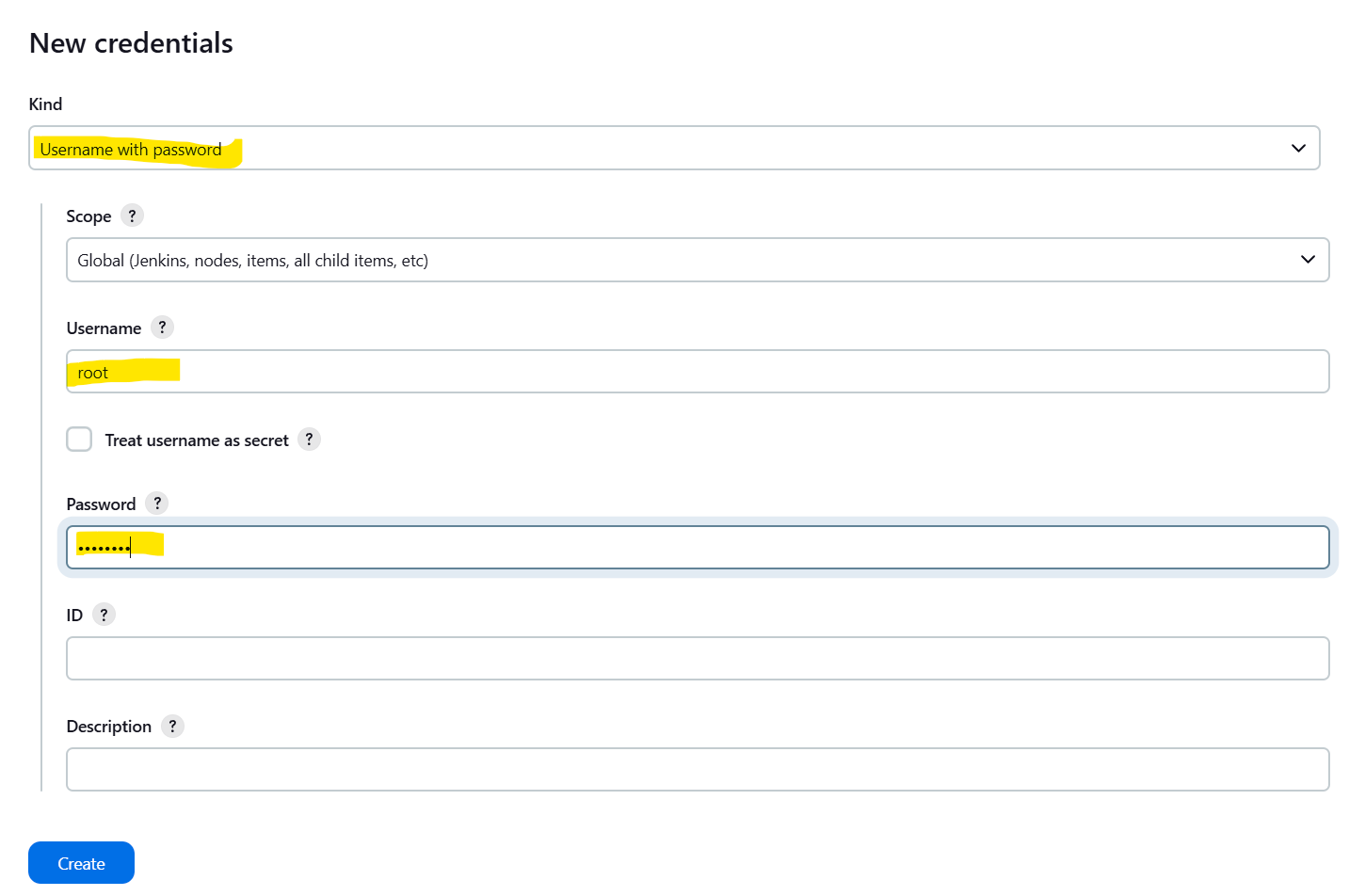
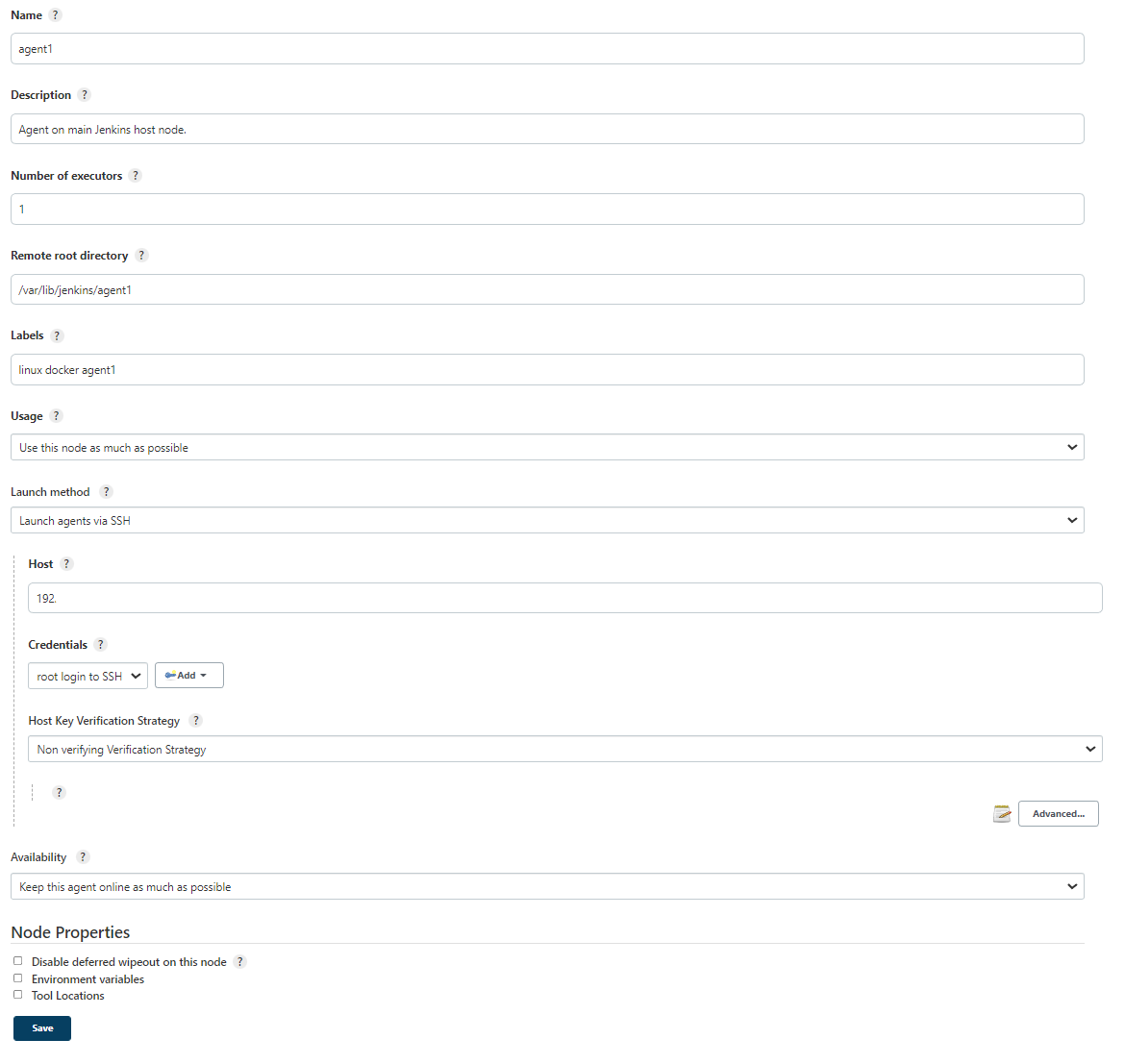
Once successfully connected, we need to switch to go back to the agent1 settings and select Known hosts file Verification Strategy on the verification strategy and save.
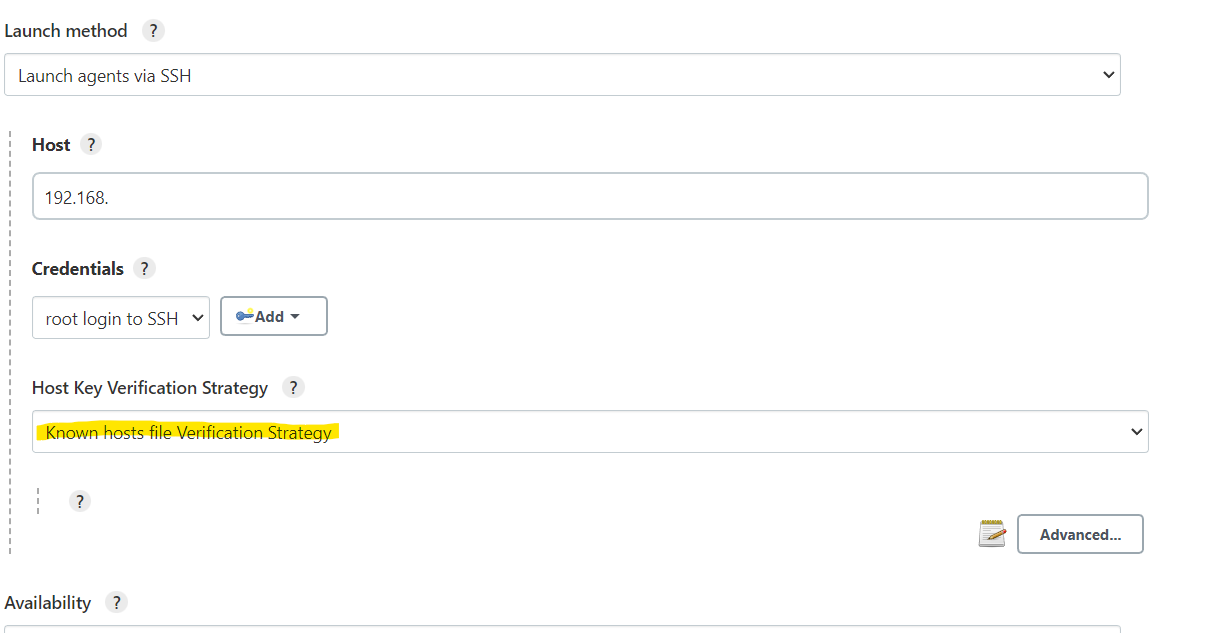
Then, Disconnect and Launch Agent your agent1. When you make this switch you will get an error, since it is not a known SSH. Go to the next step to make it known.
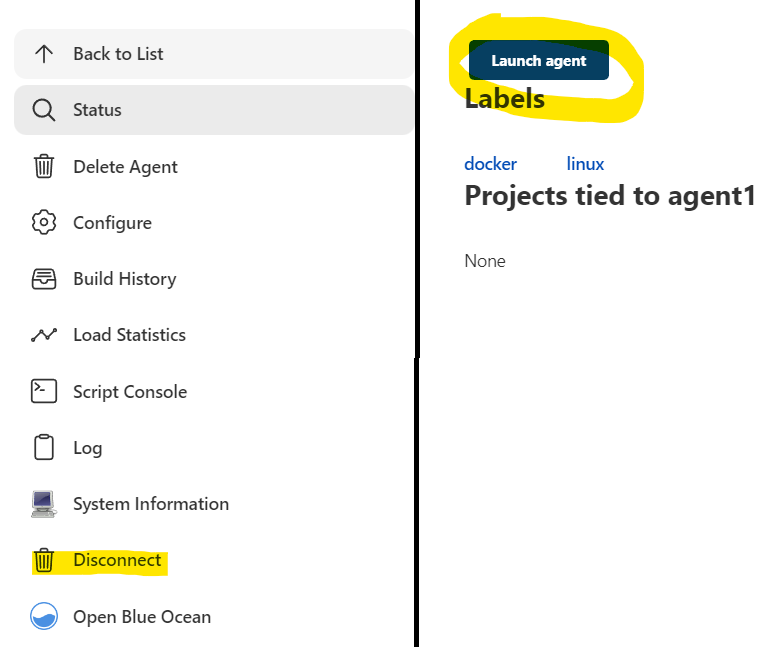
SSH into your host and put the following to the directory of your Jenkins to make it a known host.
mkdir -p /var/lib/jenkins/.ssh
ssh-keyscan -H [hostname] >> /var/lib/jenkins/.ssh/known_hosts
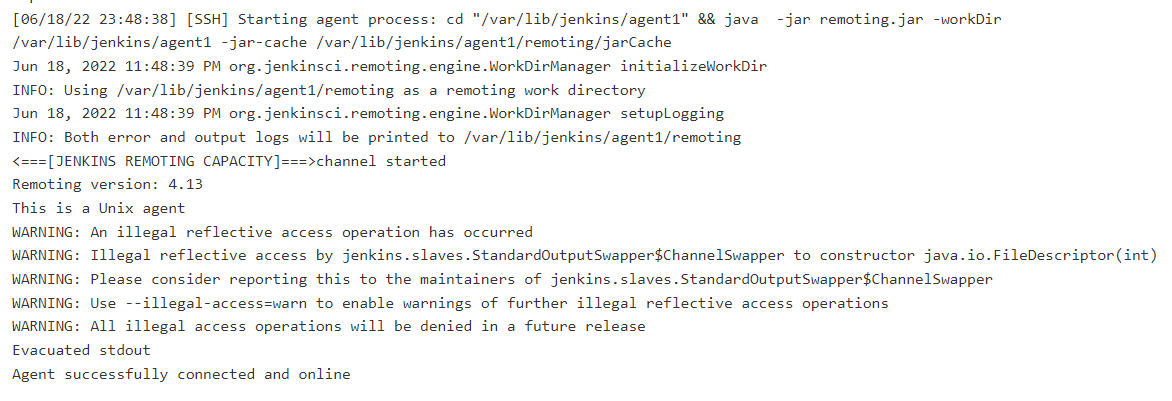
When you look at the log while you make add the directory and without disabling and re-launching, it will show Agent Successfully connected and online on the log, and now it will become a known host to Jenkins.
Disabling the built-in node
By going to the node and go to Configure.
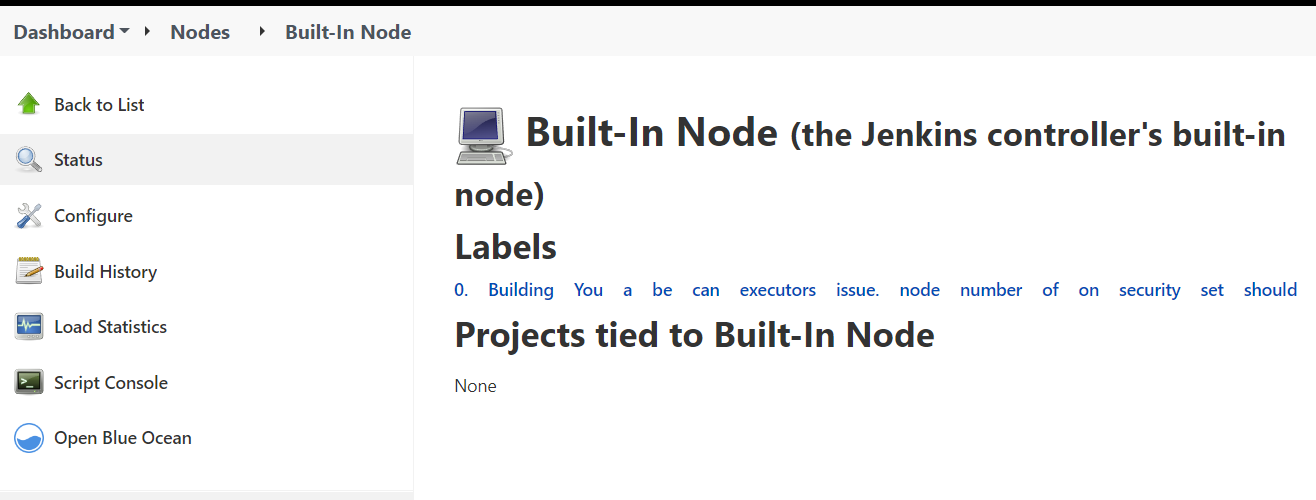
Select 0 for the Number of Executors and hit Save. This should remove the built-in node as the main executor and clear the red notification.
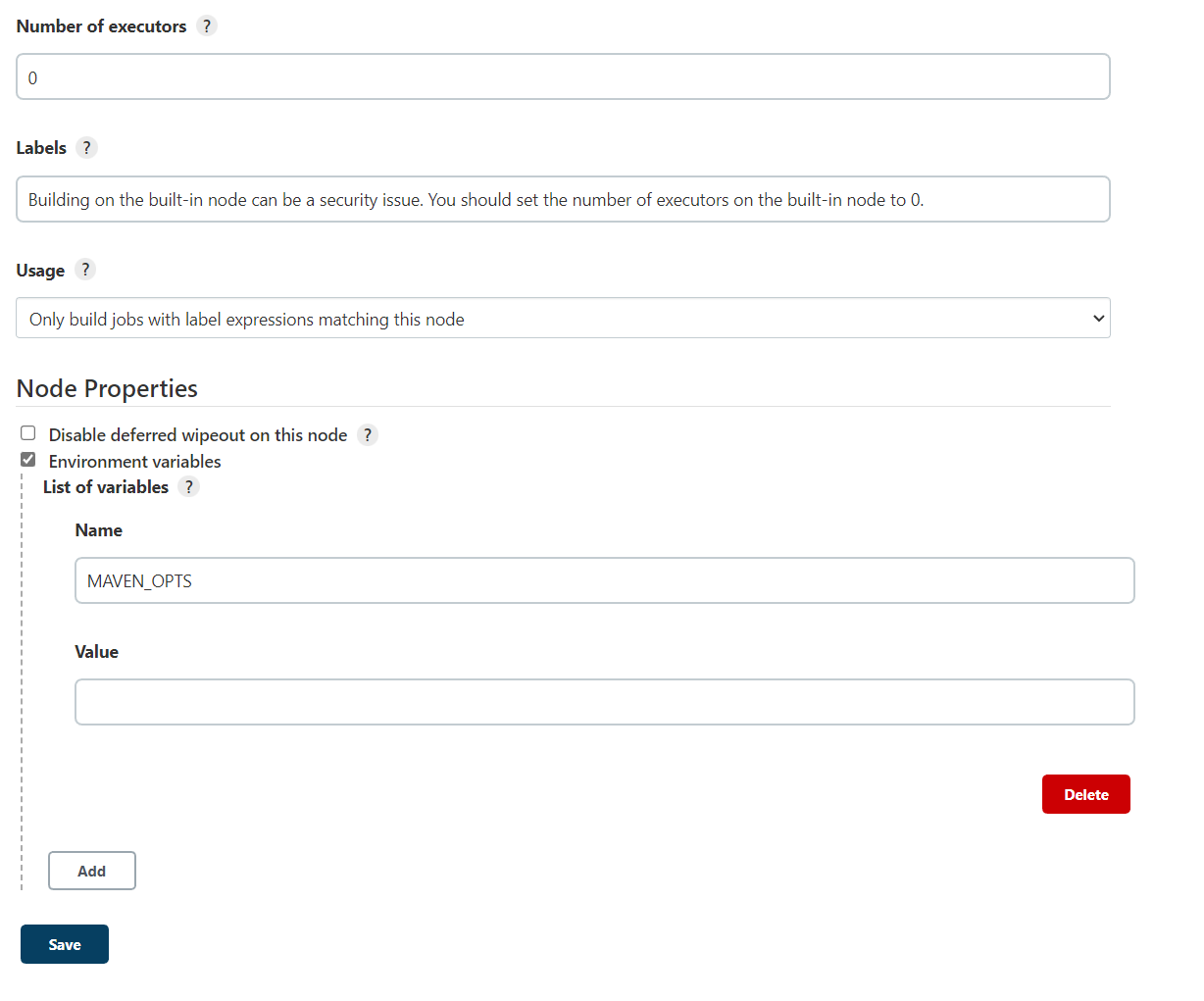
To test if your new agent node is working, launch an existing Jenkins build and it should have a green checkmark on the console output building on the newly created agent. This ensures build executor correctly connects to the agent1 that was created and no longer to the Built-In Node.
